If someone lands on your website and leaves without taking action, it can feel like a missed opportunity. But here’s the reality – most people don’t convert the first time they visit.
That’s where social media re-marketing to website visitors comes in.
Instead of losing those potential customers, you can bring them back. And more importantly, you can guide them towards actually taking action – whether that’s making a purchase, filling in a form, or getting in touch.
In this guide, we’ll break it all down in a simple, practical way. No jargon. No overcomplication. Just what you need to get started.
- What Is Social Media Re-marketing?
- Why Social Media Re-marketing to Website Visitors Works
- How Social Media Re-marketing Actually Works
- Step 1: Set Up Your Tracking (The Foundation)
- Step 2: Build Your Website Visitor Audiences
- Step 3: Create Ads That Actually Bring People Back
- Step 4: Choose the Right Platforms
- Step 5: Set a Simple Campaign Structure
- Step 6: Set Your Budget (Without Overthinking It)
- Step 7: Track What Matters
- Common Mistakes to Avoid
- A Simple Example for a Small Business
- Final Thoughts
What Is Social Media Re-marketing?
Social media re-marketing is the process of showing ads to people who have already visited your website.
Think of it like this:
Someone visits your website → leaves → later sees your ad on Instagram or Facebook → comes back → converts.
It’s not about chasing people. It’s about staying visible.
Because chances are, they were interested. They just weren’t ready yet.
Why Social Media Re-marketing to Website Visitors Works
Before jumping into the “how”, it’s worth understanding why this strategy is so effective.
- You’re targeting warm traffic:
These aren’t random people. They already know your brand. So instead of trying to build awareness from scratch, you’re picking up where you left off. - It increases conversions:
Most website visitors need multiple touch points before they take action. Re-marketing gives you those extra chances. - It’s cost-effective:
Because you’re targeting a smaller, more relevant audience, your ads tend to perform better. That means lower cost per click; better engagement; higher return on investment. - It keeps your brand top of mind:
People get distracted. It happens. Re-marketing simply reminds them you exist – at the right time.
How Social Media Re-marketing Actually Works
At a basic level, the process looks like this:
- Someone visits your website
- A tracking tool (like a pixel) records that visit
- You create an audience based on those visitors
- You show ads specifically to that audience
That’s it.
But the real value comes from how you use it.
Step 1: Set Up Your Tracking (The Foundation)
Before you can run any re-marketing campaigns, you need to track your website visitors.
This is usually done using:
- Facebook Pixel (for Facebook and Instagram ads)
- Google Tag (if you’re combining with Google Ads later)
For most small businesses, starting with Meta (Facebook and Instagram) is the easiest and most effective option.
What the pixel does:
- Tracks who visits your website
- Tracks what pages they visit
- Tracks actions (like purchases or form submissions)
Without this, re-marketing isn’t possible.
Step 2: Build Your Website Visitor Audiences
Once your tracking is set up, you can start creating audiences.
This is where things get more interesting.
Instead of targeting everyone the same way, you can segment your visitors.
Examples of useful audiences:
- All website visitors (last 30 days)
- People who visited a specific page (e.g. services page)
- People who added to cart but didn’t purchase
- People who spent a certain amount of time on your site
Why segmentation matters
Not all visitors are equal.
Someone who spent 2 minutes reading your services page is far more valuable than someone who bounced after 5 seconds.
So your ads should reflect that.
Step 3: Create Ads That Actually Bring People Back
This is where most small businesses go wrong.
They run generic ads to people who have already seen their website.
Instead, your ads should move people one step closer to converting.
1. Remind them what they saw
Keep it simple.
If someone visited your website, they already showed interest.
Your job is to remind them why.
Example:
- “Still thinking about improving your website?”
- “Ready to take your branding to the next level?”
2. Address objections
Often, people don’t convert because they have doubts.
Your ads can help remove those.
Example:
- Highlight testimonials
- Show results
- Answer common questions
3. Give them a reason to come back
Sometimes people just need a little nudge.
This could be:
- A limited-time offer
- A free consultation
- A helpful resource
4. Keep it visual
Social media is visual by nature.
So make sure your ads:
- Use strong imagery or video
- Are easy to understand at a glance
- Match your brand
Need help creating engaging social media ads?
Check out our social media services
Step 4: Choose the Right Platforms
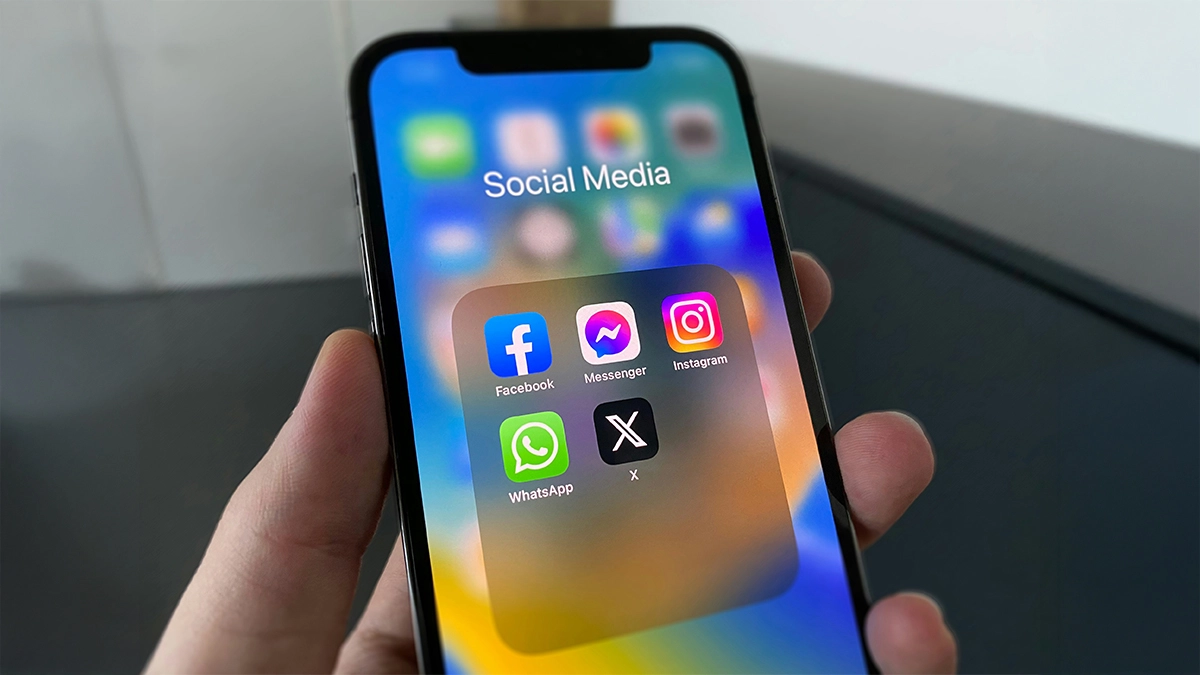
When it comes to social media re-marketing, you don’t need to be everywhere.
For most small businesses, focus on:
Facebook and Instagram (Meta Ads)
These are the go-to platforms for re-marketing.
Why?
- Huge audience
- Strong targeting options
- Easy integration with your website
LinkedIn (for B2B)
If you’re targeting businesses, LinkedIn can be effective.
But it tends to be more expensive, so it’s best used strategically.
TikTok (for certain audiences)
If your audience is younger or more content-driven, TikTok re-marketing can work well.
But it requires the right type of creative.
Step 5: Set a Simple Campaign Structure
You don’t need a complicated setup to get results.
Start with something simple.
Example structure:
Campaign 1: Website Visitors (30 days)
- Broad re-marketing audience
- General reminder ads
Campaign 2: High Intent Visitors
- People who visited key pages
- More direct, conversion-focused ads
This approach keeps things manageable while still being effective.
Step 6: Set Your Budget (Without Overthinking It)
One of the biggest advantages of social media re-marketing to website visitors is that it doesn’t require a huge budget.
Because your audience is smaller, you don’t need to spend a lot.
A simple starting point: £3–£10 per day
From there, you can adjust based on performance.
Step 7: Track What Matters
Running ads is one thing. Knowing if they’re working is another.
Key metrics to watch:
- Click-through rate (CTR)
- Cost per click (CPC)
- Conversions (leads, purchases, enquiries)
- Cost per conversion
One important thing to remember
Not every conversion will be tracked perfectly.
Some people will:
- See your ad
- Come back later
- Contact you directly
So always look at the bigger picture, not just the numbers in your dashboard.
Common Mistakes to Avoid
If you’re just getting started, it’s easy to make a few missteps.
Here are the main ones to watch out for:
- Not installing the pixel properly:
If your tracking isn’t set up correctly, nothing else will work. So always double-check this first. - Targeting too broadly:
Re-marketing works best when it’s focused. Avoid lumping all visitors together if you can segment them. - Using the same ads as cold traffic:
Your re-marketing ads should feel different. They should build on what people have already seen. - Giving up too quickly:
Re-marketing isn’t instant. Give it time to gather data and optimise. - Overcomplicating things:
You don’t need a complex funnel to get started. Keep it simple. Refine as you go.
A Simple Example for a Small Business
Let’s say you run a web design business.
Someone visits your services page but doesn’t get in touch.
Here’s how re-marketing could work:
- They leave your website
- They see an Instagram ad showcasing your recent work
- A few days later, they see a testimonial from a happy client
- Then they see an ad offering a free consultation
- They click → return to your site → submit an enquiry
That’s the power of staying visible.
Final Thoughts
Social media re-marketing to website visitors is one of the most effective ways to turn traffic into real results.
And the best part?
You don’t need a huge budget or advanced setup to get started.
If you focus on:
- Tracking your visitors
- Creating relevant audiences
- Showing the right ads
You’ll already be ahead of most small businesses.