If you run a small business, social media quickly becomes part of your day-to-day marketing. Whether you are posting on Instagram, sharing updates on LinkedIn, or creating simple promotional graphics, good visuals make a big difference.
However, one of the first questions many beginners ask is this.
Should you use Canva or Photoshop?
Both tools can help you create professional-looking social media graphics. However, they are built for very different types of users. One is designed for simplicity and speed. The other is built for advanced design work.
In this guide, we will compare Canva vs Photoshop for social media, focusing on which tool is easiest for beginners and which one makes the most sense for small business owners.
By the end of this article, you should have a clear idea of which platform fits your needs.
- Why Good Social Media Graphics Matter
- What Is Canva?
- What Is Photoshop?
- Canva vs Photoshop for Social Media: The Key Differences
- Which Tool Is Best for Social Media Beginners?
- When Photoshop Might Be the Better Choice
- A Practical Approach for Small Businesses
- Tips for Creating Better Social Media Graphics
- Alternatives to Photoshop
- Final Thoughts
Why Good Social Media Graphics Matter
Before we look at the tools themselves, it is worth understanding why design matters on social media.
Platforms such as Instagram, Facebook, and LinkedIn are extremely visual. People scroll quickly through their feeds, which means your content only has a few seconds to grab attention.
Good graphics can help you:
- Improve engagement on posts
- Communicate your message more clearly
- Make your brand look more professional
- Stand out from competitors
- Build trust with your audience
The good news is that you no longer need to be a professional designer to create good-looking visuals. Tools like Canva and Photoshop allow businesses to produce high-quality graphics in-house.
However, the experience of using them can be very different.
What Is Canva?
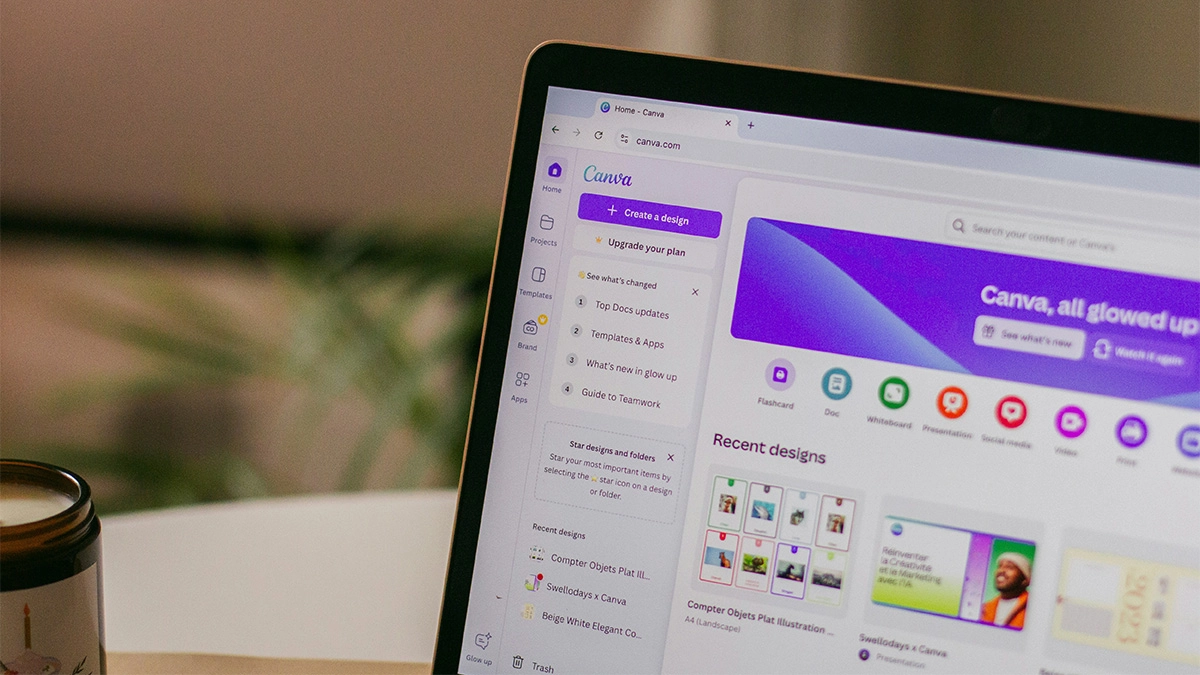
Canva is an online design tool created specifically for non-designers.
It runs in your browser and focuses on making design as simple as possible. Instead of starting with a blank canvas and building everything yourself, Canva provides thousands of templates that you can customise.
This means beginners can create professional looking graphics within minutes.
Typical social media designs created in Canva include:
- Instagram posts
- Instagram stories
- LinkedIn graphics
- Facebook banners
- Social media adverts
- YouTube thumbnails
Because everything is template-driven, you usually just replace text, adjust colours, and add images.
Why Canva Is Popular With Small Businesses
Canva has become incredibly popular with startups and small businesses for a few key reasons.
First, it is very easy to learn. Even if you have never used a design tool before, you can usually create your first graphic within a few minutes.
Second, it is fast. Social media often requires regular content. Canva allows you to create graphics quickly without needing advanced design knowledge.
Third, it includes a huge library of templates, photos, icons, and design elements.
For many small businesses, this combination makes Canva the easiest place to start.
What Is Photoshop?
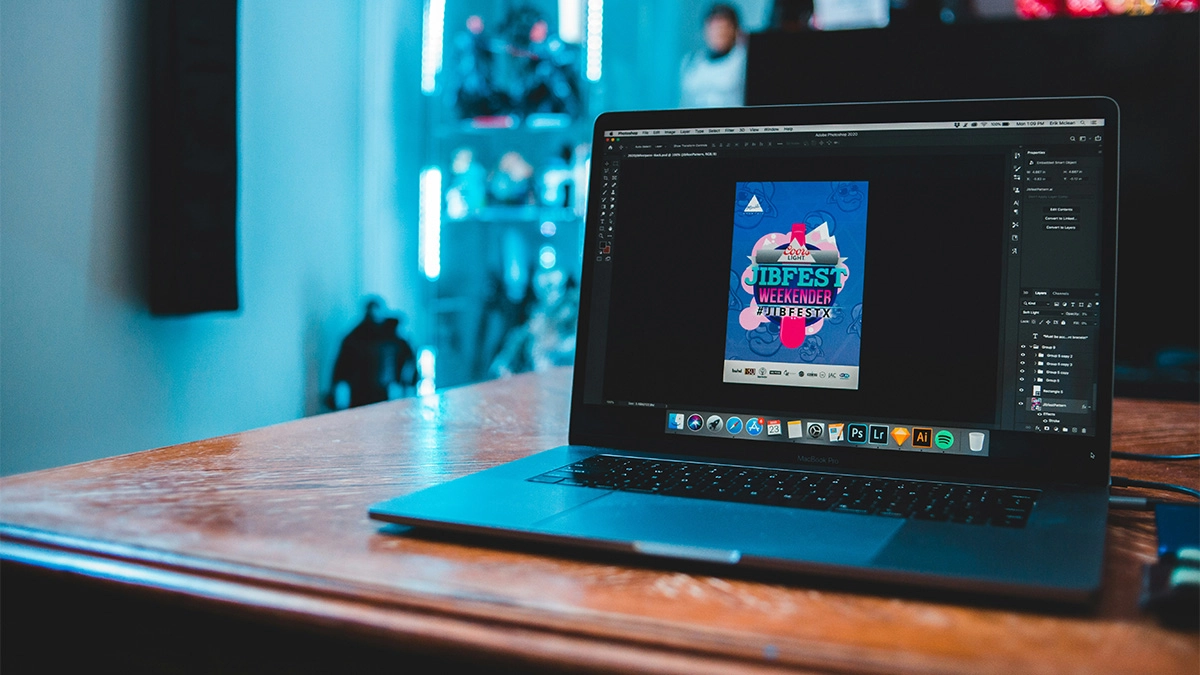
Photoshop is one of the most powerful design tools in the world. It is part of Adobe Creative Cloud and has been widely used by professional designers, photographers, and creatives for decades.
Unlike Canva, Photoshop does not rely heavily on templates. Instead, it gives you full control over every element of a design.
With Photoshop you can:
- Edit images professionally
- Create complex graphics
- Manipulate photos
- Design custom visuals from scratch
- Work with layers and advanced effects
Because of this flexibility, Photoshop is used across industries including marketing, photography, advertising, and graphic design.
However, the trade-off is complexity.
Photoshop is significantly harder to learn than Canva, especially for beginners.
Canva vs Photoshop for Social Media: The Key Differences
When comparing Canva vs Photoshop for social media, the biggest differences come down to ease of use, speed, and creative control.
| Feature | Canva | Photoshop |
|---|---|---|
| Ease of use | Very beginner friendly. Drag and drop interface with simple tools. | Steeper learning curve. Requires design knowledge and practice. |
| Speed | Very fast for creating social media posts using ready made templates. | Slower for beginners as most designs are built from scratch. |
| Cost | Free plan available. Canva Pro is relatively affordable. | Monthly subscription through Adobe Creative Cloud. |
| Templates | Thousands of social media templates ready to customise. | Very few templates. Most designs are created manually. |
| Customisation | Good for basic design changes such as colours, fonts, and layouts. | Extremely powerful customisation with full design control. |
| Collaboration | Cloud based. Easy for teams to edit and share designs together. | Primarily desktop software. Collaboration is less straightforward. |
| Best for | Small businesses, startups, and beginners creating quick social media graphics. | Professional designers and advanced image editing. |
Ease of Use
If your main goal is simplicity, Canva wins comfortably.
The interface is extremely beginner-friendly. Most tasks involve clicking, dragging, and editing text. You rarely need technical knowledge.
Photoshop, on the other hand, has a much steeper learning curve.
The interface includes many tools, panels, and settings. While this allows incredible flexibility, it can feel overwhelming if you have never used design software before.
For beginners creating social media graphics, Canva is far easier to learn.
Speed of Creating Content
Speed matters for social media. Businesses often need to create posts quickly.
Canva excels here because of its templates.
You can simply select an Instagram post template, change the text, swap the image, and download the graphic. This process can take just a few minutes.
With Photoshop, you typically start with a blank file and build the design yourself. Even simple graphics usually take longer to create.
If your priority is producing content quickly, Canva is usually the better choice.
Creative Flexibility
This is where Photoshop has the advantage.
Photoshop gives you full creative control over every element in your design. You can manipulate images, create complex effects, and design completely unique graphics.
Canva is more limited in comparison.
Although it offers many templates and design elements, you are still working within a simplified system. For most social media graphics this is perfectly fine. However, it may feel restrictive for advanced designers.
If you need full creative freedom, Photoshop is the stronger tool.
Image Editing Capabilities
Photoshop was originally built for photo editing, and it still excels in this area.
You can adjust colours precisely, remove objects, combine images, and perform advanced retouching.
Canva includes basic photo editing tools such as filters, brightness adjustments, and background removal. These features are useful, but they are not as powerful as Photoshop.
If you regularly work with photography or product images, Photoshop provides much more control.
Cost
For many small businesses, cost plays an important role.
Canva offers a free plan that includes many useful templates and features. The paid version, Canva Pro, unlocks additional templates, stock images, and branding tools.
Photoshop is part of Adobe Creative Cloud and requires a monthly subscription.
This makes Photoshop more expensive overall, especially if you only need it for basic social media graphics.
For businesses working with limited budgets, Canva is usually the more affordable option.
Collaboration and Team Use
Another advantage of Canva is collaboration.
Because it is cloud-based, teams can easily share designs, edit files together, and maintain brand consistency.
For example, you can create a brand kit that stores your colours, fonts, and logos. This makes it easier for team members to create consistent social media content.
Photoshop is primarily desktop software. While files can be shared, collaboration is less seamless than in Canva.
For small teams managing social media together, Canva often works better.
Which Tool Is Best for Social Media Beginners?
When comparing Canva vs Photoshop for social media, the answer for most beginners is quite simple.
Canva is usually the easiest option.
It removes much of the complexity associated with design software and allows you to focus on creating content quickly. For small business owners who manage their own social media, this simplicity is extremely valuable.
With Canva you can:
- Create graphics in minutes
- Use ready-made templates
- Maintain consistent branding
- Collaborate with team members
- Keep costs relatively low
This is why so many startups and small businesses rely on Canva for their social media content.
However, this does not mean Photoshop has no place in social media marketing.
When Photoshop Might Be the Better Choice
Although Canva is easier, there are situations where Photoshop makes more sense.
For example, Photoshop may be better if you:
- Need advanced photo editing
- Want completely custom graphics
- Work with professional photography
- Create complex visual campaigns
- Have experience with design software
Many professional designers use Photoshop alongside other tools like Illustrator and After Effects to create highly polished visual content.
In fact, many agencies use both Canva and Photoshop depending on the project.
A Practical Approach for Small Businesses
For most small businesses, the best approach is actually a combination of tools.
Many companies start with Canva because it allows them to produce content quickly without needing design expertise.
Later, as their marketing becomes more advanced, they may introduce tools like Photoshop for more complex projects.
For example:
- Use Canva for daily social media posts
- Use Photoshop for advanced image editing
- Use Canva for templates and brand consistency
- Use Photoshop for custom campaign visuals
This balanced approach allows businesses to stay efficient while still having access to powerful creative tools when needed.
Tips for Creating Better Social Media Graphics
Regardless of whether you choose Canva or Photoshop, there are a few principles that will improve your social media visuals.
- Keep Designs Simple:
Simple designs often perform better on social media. Avoid clutter and focus on one clear message. - Use Consistent Branding:
Use the same colours, fonts, and visual style across your posts. This helps people recognise your brand quickly. - Prioritise Readability:
Most people view social media content on their phones. Make sure the text is large enough to read easily. - Use High Quality Images:
Blurry or low-quality images can make your brand look unprofessional. Always use clear, high-resolution visuals. - Design With Mobile in Mind:
Most social media users browse on mobile devices. Always preview your designs on smaller screen sizes.
Alternatives to Photoshop
While Photoshop is a powerful tool, it is not the only option available. In fact, many small businesses prefer simpler or more affordable design tools. If Photoshop feels too complex or expensive, here are a few popular alternatives worth considering.
- Adobe Express:
It provides templates and easy editing tools, making it much more beginner friendly than Photoshop while still offering good design quality. - Affinity Photo:
It includes advanced editing features but is available for a one time purchase rather than a monthly subscription. - Pixlr:
A browser based image editor that offers surprisingly powerful editing tools. It works well for quick photo edits and basic graphic design without needing to install software. - GIMP:
A free open source image editing program. It includes many advanced features similar to Photoshop, although the interface can feel less polished and may take time to learn.
Final Thoughts
When comparing Canva vs Photoshop for social media, the right choice depends on your experience level and your design needs.
For beginners and small businesses, Canva is usually the easiest place to start. It is simple, fast, affordable, and built specifically for creating social media graphics.
Photoshop, on the other hand, offers far more creative control and advanced editing capabilities. However, it requires more time to learn and may be more complex than many small businesses need.
If you are just starting out with social media marketing, Canva will likely cover everything you need. As your marketing grows and your design requirements become more advanced, tools like Photoshop can then become part of your workflow.
Ultimately, the best tool is the one that allows you to create consistent, engaging content without slowing down your marketing efforts.
For most beginners, Canva makes that process much easier.