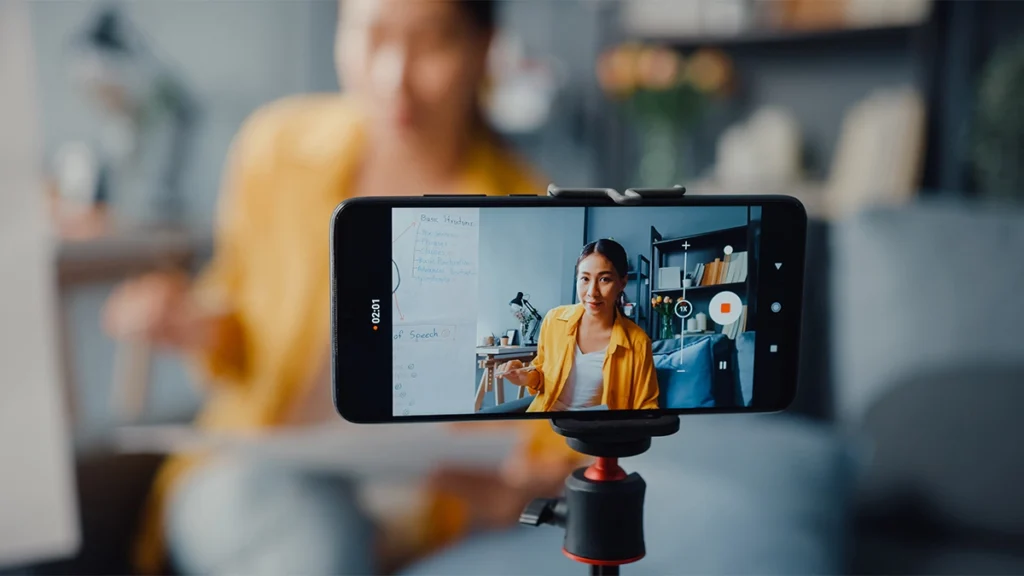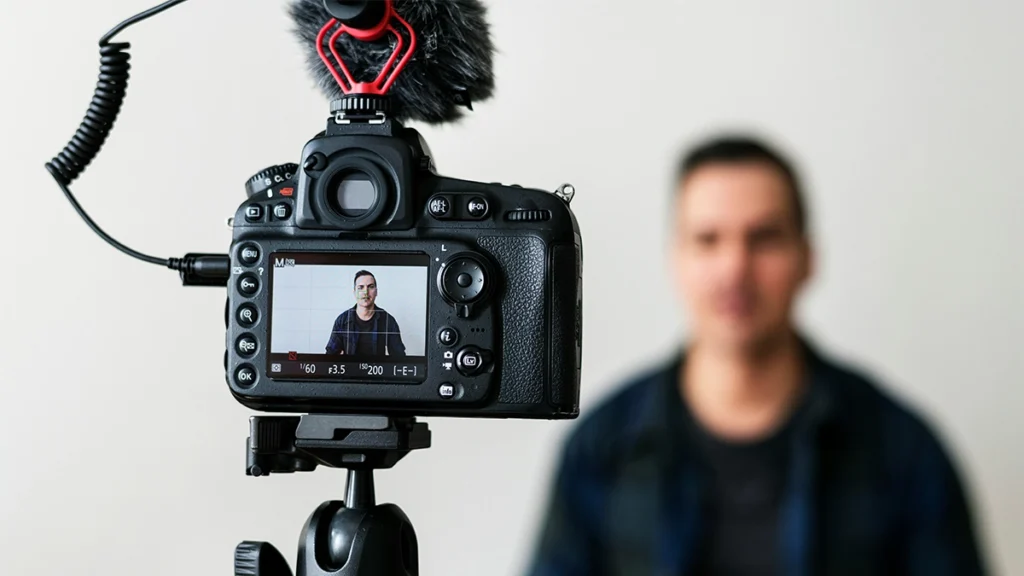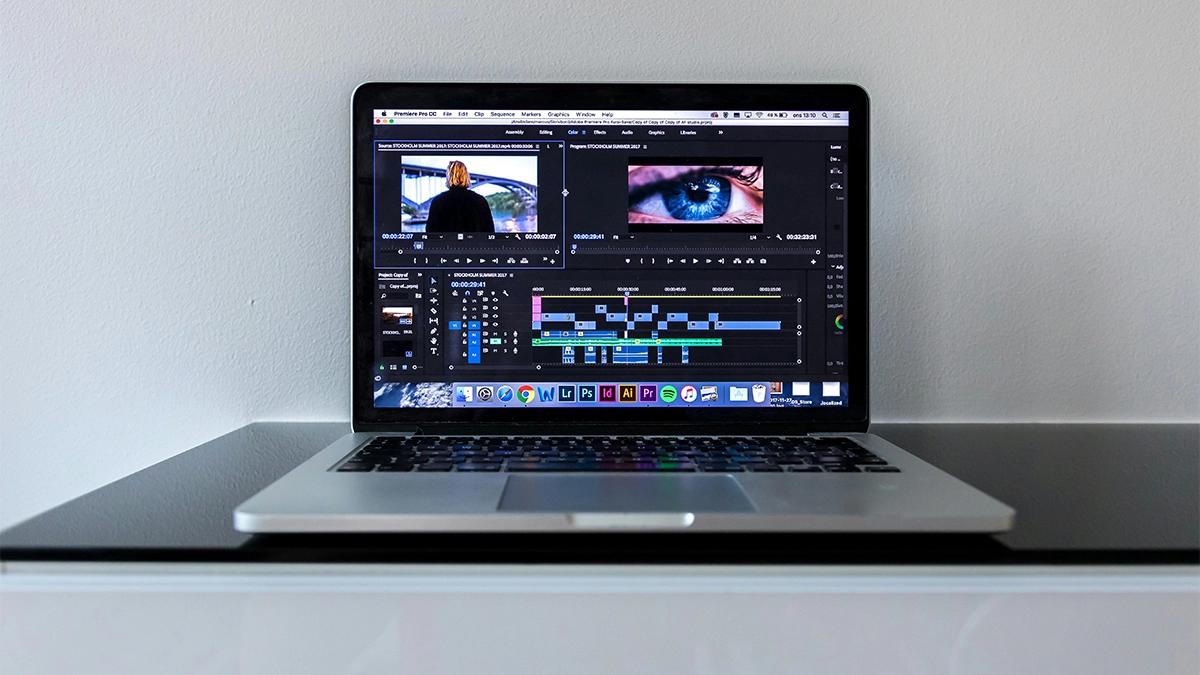
If you are a small business owner, chances are you have already realised that video is not optional anymore. It is everywhere. Instagram Reels, TikTok, YouTube Shorts, LinkedIn video, website hero banners. Your audience is consuming video content daily.
However, creating a video is only half the battle. The real magic happens in the edit.
The good news is that video editing software for beginners has never been more accessible. You no longer need a production studio, a media degree, or thousands of pounds in equipment. With the right tools and a bit of guidance, you can create polished social media content that represents your brand properly.
In this guide, we will break down the best video editing software for beginners, especially if your main goal is editing for social media. We will also help you choose the right option based on your budget, skill level, and long-term plans.
Let’s get into it.
- Why Video Editing Matters for Small Businesses
- What to Look for in Video Editing Software for Beginners
- CapCut
- iMovie
- Canva Video Editor
- DaVinci Resolve
- Adobe Premiere Pro
- Which Video Editing Software for Beginners Should You Choose
- Tips for Editing Social Media Videos as a Beginner
- Should You Edit Yourself or Outsource
- Final Thoughts
Why Video Editing Matters for Small Businesses
Before we dive into software options, let’s quickly talk about why editing is so important.
Raw footage rarely looks impressive. It might be too long, slightly dark, poorly framed, or just a bit flat. Editing allows you to:
- Cut out mistakes and awkward pauses
- Add captions for silent viewers
- Adjust lighting and colour
- Add music and branding
- Format videos correctly for Instagram, TikTok, or YouTube
More importantly, editing helps you control attention. Social media is fast-paced. If your first three seconds are weak, people scroll.
Strong editing keeps viewers watching. And the longer they watch, the more likely they are to engage, follow, or enquire.
What to Look for in Video Editing Software for Beginners
Not all editing tools are created equal. As a beginner, you should prioritise simplicity over complexity.
Here is what to look for:
- Easy Interface:
You should be able to drag and drop clips without feeling overwhelmed. - Social Media Formats:
Vertical video support is essential. Most content today is 9 by 16. - Built-In Captions:
Captions are critical for engagement. Many people watch without sound. - Templates:
Templates can speed up content creation, especially for Reels and TikTok. - Room to Grow:
While you want beginner friendly, you do not want something you will outgrow in three months.
With that in mind, let’s look at the best options.
CapCut
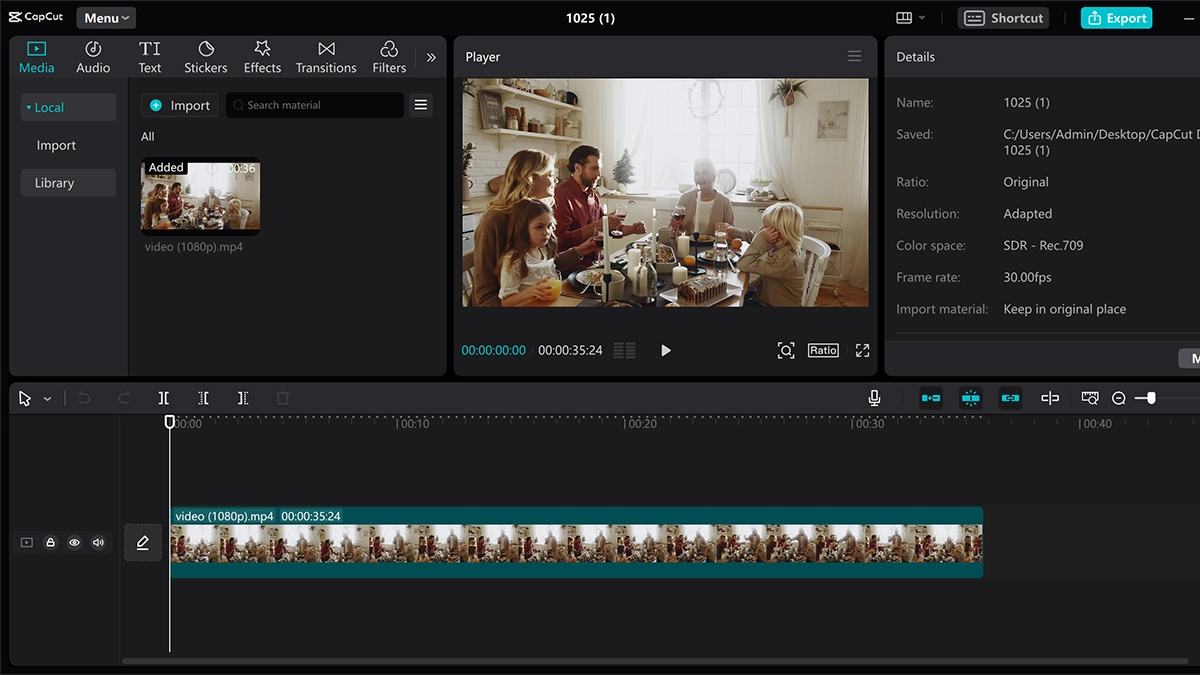
If your focus is social media, CapCut is one of the most popular choices right now.
Originally designed to work seamlessly with TikTok, CapCut has grown into a powerful yet simple editing tool available on mobile and desktop.
Why It Works for Beginners
- Extremely easy to use
- Built-in trending templates
- Automatic captions
- Effects and transitions designed for short-form content
- The free version is very capable
If you are creating Instagram Reels, TikToks, or short promotional videos, CapCut removes a lot of friction. You can shoot on your phone and edit in the same ecosystem.
Downsides
It is not designed for long-form or cinematic projects. Also, heavy use of trendy effects can make your content feel generic if you are not careful.
For small businesses testing video for the first time, though, CapCut is a brilliant starting point.
iMovie
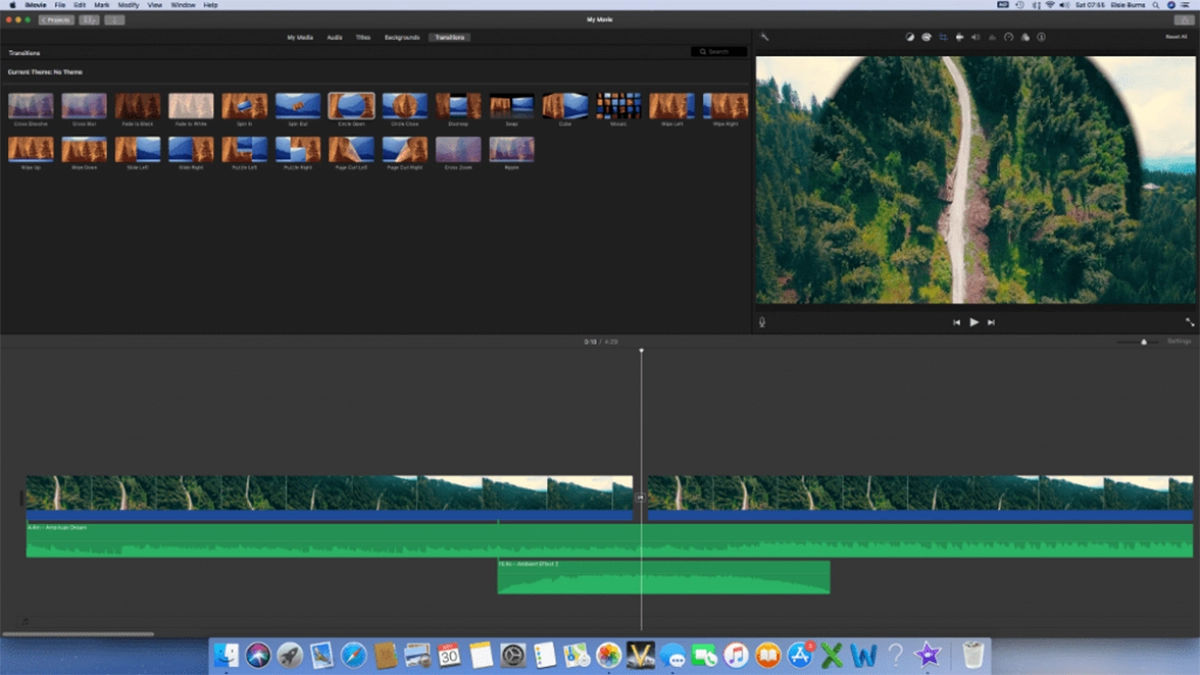
If you use a Mac, you already have access to iMovie.
Developed by Apple Inc., iMovie is free and surprisingly powerful for beginners.
Why It Works for Beginners
- Clean and simple interface
- Easy drag and drop editing
- Basic colour correction
- Smooth performance on Mac
For business owners who want slightly more control than mobile apps offer, iMovie is a solid step up.
Downsides
It lacks advanced features and can feel limiting once you grow. Also, it is only available in the Apple ecosystem.
If you are a Mac-based business owner who wants to edit talking head videos, product clips, or website hero banners, iMovie is a safe and simple option.
Canva Video Editor
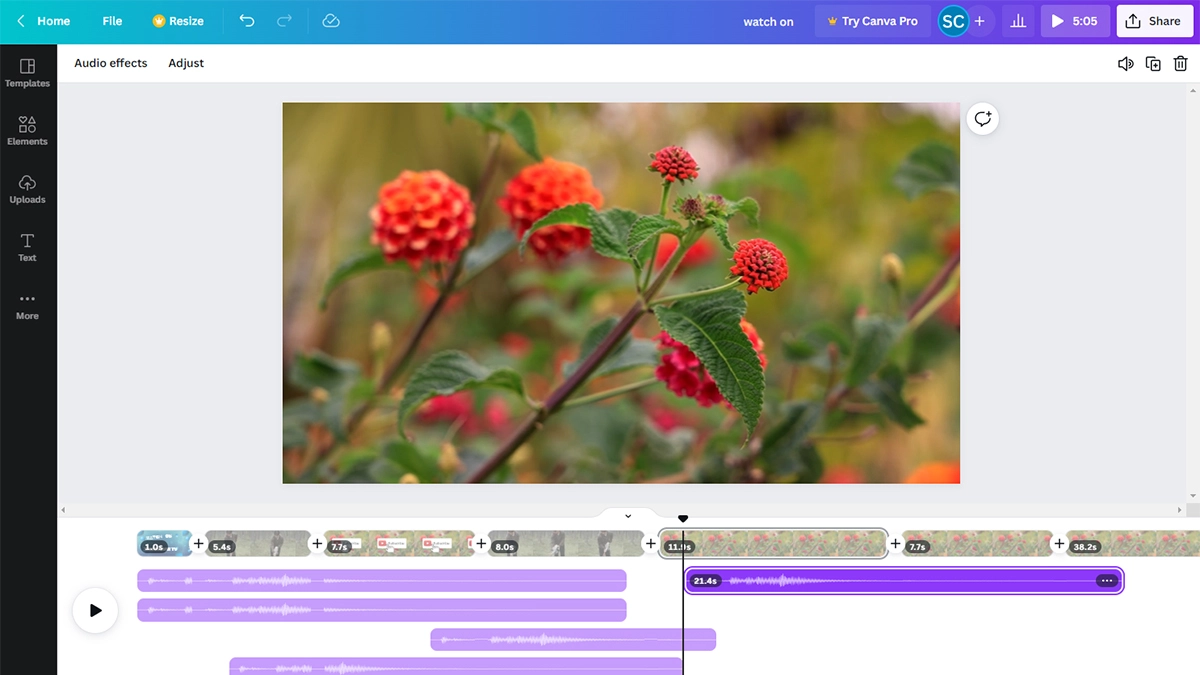
You probably already use Canva for graphics. Many small businesses do.
What people often overlook is that Canva also includes a built-in video editor.
Why It Works for Beginners
- Extremely template-driven
- Easy brand kit integration
- Ideal for simple promotional videos
- Great for text-heavy content
If your content style includes animated text, simple slideshows, or promotional graphics, Canva makes it straightforward.
Downsides
It is not a professional editing suite. If you need complex colour grading or advanced audio work, it will fall short.
However, for startups that already use Canva for branding, this can be the most convenient starting point.
DaVinci Resolve
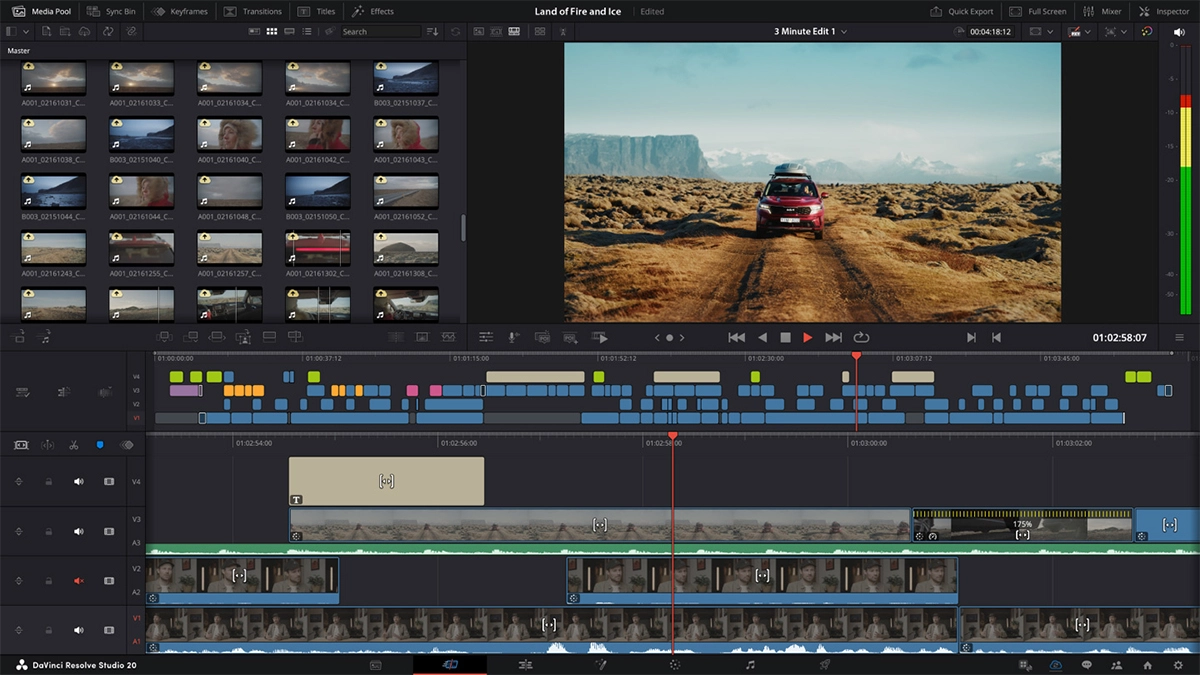
Now we move into more advanced territory.
DaVinci Resolve is developed by Blackmagic Design and offers a powerful free version.
Why It Works for Beginners
Although it is advanced, the free version gives you access to professional tools without a subscription.
You get:
- Professional colour grading
- Audio editing
- Multi-track timelines
- Social media export options
If you are serious about improving production quality and do not mind a learning curve, this software grows with you.
Downsides
It can feel overwhelming at first. There are many panels and technical controls.
If you just want quick Instagram edits, it may be overkill. But if you see video becoming a core part of your marketing strategy, DaVinci Resolve is worth considering.
Adobe Premiere Pro
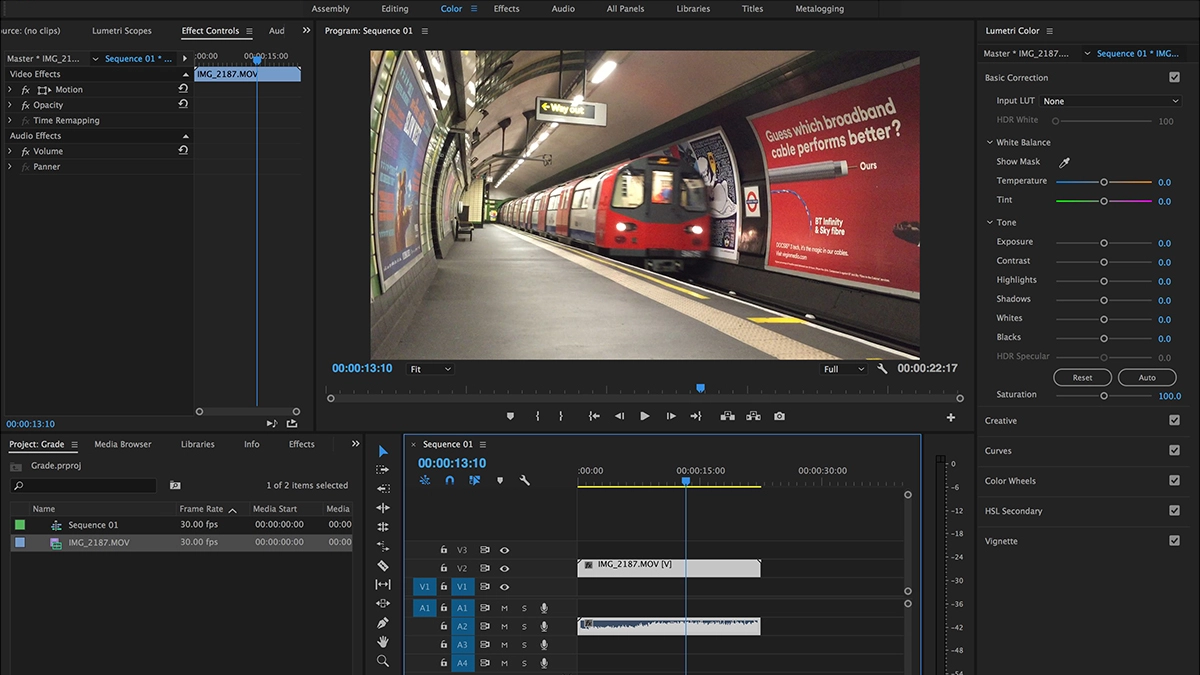
Finally, we have Adobe Premiere Pro, developed by Adobe Inc.
This is the industry standard for many professionals.
Why It Works for Growing Businesses
- Advanced editing tools
- Seamless integration with Photoshop and After Effects
- Strong captioning tools
- Flexible export presets
If your business already uses Adobe products, Premiere Pro fits naturally into that workflow.
Downsides
It requires a monthly subscription. It also has a steeper learning curve than beginner tools.
For startups just testing video, it may feel excessive. However, if you want to invest properly in content marketing, this is a long-term solution.
Which Video Editing Software for Beginners Should You Choose
Here is a simple way to decide.
- CapCut – If you are filming on your phone and posting quick Reels.
- iMovie – If you are a Mac user wanting slightly more control.
- Canva – If you love templates and branded graphics
- DaVinci Resolve – If you are serious about high-quality production and growth.
- Premiere Pro – If you want a professional ecosystem and already use Adobe.
There is no single correct answer. The best video editing software for beginners is the one you will actually use consistently.
Tips for Editing Social Media Videos as a Beginner
Software is only part of the equation. How you edit matters just as much.
- Hook Viewers Immediately:
Start with movement, bold text, or a strong statement. Do not waste the first three seconds. - Keep It Short:
Attention spans are short. Cut aggressively. Remove filler words. - Add Captions:
Captions increase retention and accessibility. Many viewers watch silently. - Format Correctly:
Use vertical format for Reels and TikTok. Use square or vertical for most Instagram content. - Maintain Brand Consistency:
Use consistent fonts, colours, and tone. This builds recognition over time.
As a small business, consistency often beats perfection.
Should You Edit Yourself or Outsource
As the founder of 404 Marketing, we often speak to small businesses that start by editing themselves. That makes sense.
In the early stages, DIY content helps you understand your audience. It keeps costs low. It allows experimentation.
However, there comes a point where time becomes more valuable than money.
If you find editing is taking hours each week and pulling you away from running your business, it may be worth outsourcing.
That said, even if you outsource long-term, understanding video editing software for beginners gives you better creative direction and control.
Not sure about editing yourself?
Check out our videography services
Final Thoughts
Video is not slowing down. In fact, it is becoming more dominant every year.
The barrier to entry is lower than ever. You can shoot on a smartphone and edit with free software. What matters most is clarity of message and consistency.
Start simple. Choose one platform. Learn the basics. Post regularly.
Then refine.
The best video editing software for beginners is not about flashy effects. It is about helping your small business communicate clearly, professionally, and confidently on social media.
If you are serious about growing through video but unsure where to start, that is exactly the sort of thing we help with at 404 Marketing.
Video should feel like an opportunity, not an obstacle.