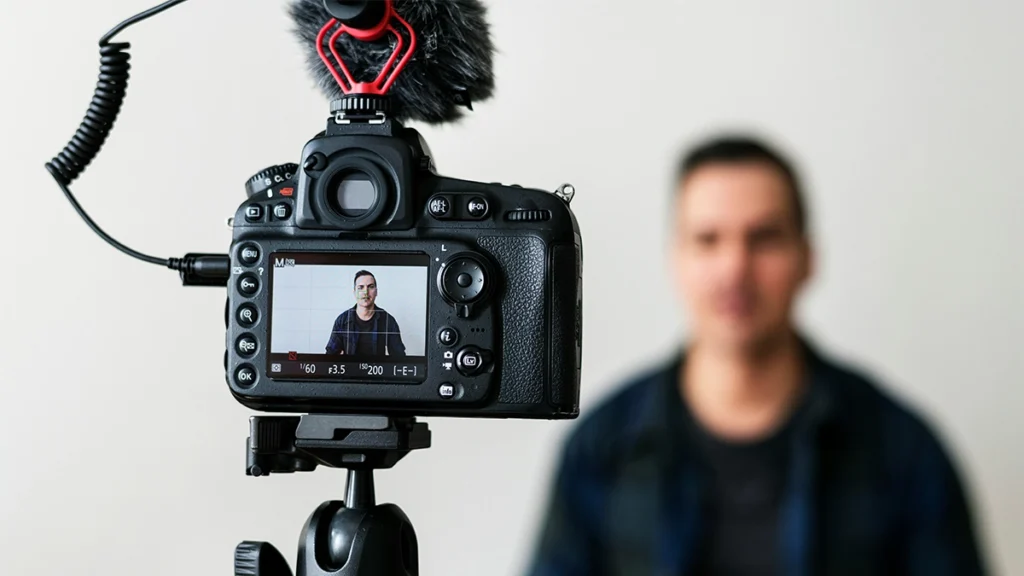
Not sure how to get started with video content for your small business?
You are not alone. Filming yourself can feel awkward, editing can sound complicated and it is easy to assume that every business video needs expensive equipment. Fortunately, it does not.
Getting started with video for a small business does not require a production studio or a huge budget. A smartphone, a clear idea and a little practice are enough to create something useful. The first video probably will not be perfect, but it does not need to be. It simply needs to help the right person understand your business.
In this guide, we will take you through the process step by step, from choosing what to film to publishing your video and learning from the results.
Table Of Contents
- Why Use Video for Your Small Business?
- 1. Start With One Clear Goal
- 2. Choose a Simple Idea for Your First Business Video
- 3. Decide Where the Video Will be Used
- 4. Plan What You Are Going to Say
- 5. Get Comfortable in Front of the Camera
- 6. Gather the Equipment You Actually Need
- 7. Record With the Final Edit in Mind
- 8. Keep the Edit Straightforward
- 9. Publish The Video With a Purpose
- 10. Track What Works
- 11. Make Video Content Manageable
- DIY Video or Professional Videography?
- Final Thoughts
Why Use Video for Your Small Business?
Video gives potential customers a quicker, more personal way to get to know your business. Instead of only telling people what you do, you can show them.
For example, a video can help you:
- Explain a product or service clearly.
- Show the people behind the business.
- Answer a question customers regularly ask.
- Demonstrate how something works.
- Share a customer’s experience.
- Give people a better feel for your premises, process or personality.
It can also be reused. One useful business video might sit on your website, appear in an email and provide several shorter clips for social media. That makes it a practical piece of marketing content rather than something you post once and forget about.
The important thing is to begin with a purpose. Don’t create a video simply because everyone else seems to be doing it.
1. Start With One Clear Goal
Before thinking about cameras, scripts or editing software, decide what you want the video to achieve.
Ask yourself three questions:
- Who is this video for?
- What do I want them to understand?
- What should they do after watching?
Your goal could be to introduce your business, build trust, explain a service, drive people to a webpage or encourage enquiries. Try to choose one main goal rather than asking a short video to do everything.
For example, “we need more video content” is quite vague. “We want to answer the question new customers ask before booking” gives you a much clearer starting point.
That single decision will shape the message, length, format and call to action.
2. Choose a Simple Idea for Your First Business Video
Your first video doesn’t need to tell your entire story. In fact, a focused subject is normally easier to film and more useful to the viewer.
Good starting points include:
- Answering one frequently asked question.
- Explaining one service.
- Demonstrating one product.
- Introducing yourself or a member of your team.
- Showing a short part of your process.
- Sharing a recent result or customer story.
If you already publish blogs, newsletters or social posts, look at the subjects that receive the most questions or engagement. You may already have the basis of a useful video without needing to invent something new.
We have also put together 10 DIY video ideas for small businesses if you need a little more inspiration.
3. Decide Where the Video Will be Used
It helps to choose the main destination before you start filming. A video for a website has a different job from an Instagram Reel, while a detailed YouTube tutorial needs a different approach again.
Think about where your audience already spends time and how they use that platform:
| Instagram and Facebook | Short tips, behind-the-scenes clips and quick demonstrations | Vertical, short-form video |
| TikTok | Informal, useful or entertaining short content | Vertical, short-form video |
| Expertise, business advice, case studies and founder stories | Vertical or square short-form video | |
| YouTube | Tutorials, demonstrations, interviews and detailed answers | Landscape, longer-form video |
| Your website | Introductions, testimonials, service explainers and product videos | Usually landscape, depending on placement |
| Testimonials, product highlights and useful advice | A thumbnail linked to a hosted video |
You don’t need to be active everywhere. Start with one main platform and perhaps one secondary channel where the same footage can be adapted.
If you plan to reuse a video in several places, leave enough space around the subject when filming. This makes it easier to create both landscape and vertical versions during editing.
4. Plan What You Are Going to Say
You don’t need a word-for-word script, but turning the camera on without a plan often leads to a long introduction and a message that wanders.
A simple structure is:
- Hook: Give people a reason to keep watching.
- Main point: Share the answer, advice or demonstration.
- Next step: Tell the viewer what to do next.
For example:
Not sure how often your boiler should be serviced? Here is the simple answer. Most homeowners should arrange a service once a year so that potential issues can be spotted early. If yours is due, get in touch, and we will help you arrange a suitable time.
Write three or four bullet points and practise saying them aloud. This usually sounds more natural than reading a full script from the screen.
For a more involved business video, create a short shot list too. If you are talking about how a product is made, for example, note the close-ups, wider shots and process footage you will need. A few minutes of planning can save a lot of time later.
5. Get Comfortable in Front of the Camera
For many small business owners, confidence is the biggest hurdle.
Being comfortable on camera doesn’t come naturally to everyone. You may worry about forgetting your words, stumbling over a sentence or what people will think. But viewers aren’t necessarily looking for a television presenter. They want someone clear, genuine and helpful.
Speak as though you are answering a customer in person. That usually creates a warmer and more natural delivery.
If you still feel uncomfortable, set your phone up and talk about a subject you know well. Don’t plan to publish the recording. The purpose is simply to get used to looking at the lens, hearing your voice and carrying on after a small mistake.
You can also begin without appearing on camera. Try:
- A voice-over on top of product or process footage.
- Screen recording with spoken instructions.
- A hands-only demonstration.
- Text and captions over relevant clips.
- A slideshow made from photographs and short videos.
Your face can help build familiarity, but it is not the only way to create effective video content for a small business.
6. Gather the Equipment You Actually Need
You don’t need a Hollywood setup. Start with what you already own and improve your equipment when you know you will use it regularly.
- Camera:
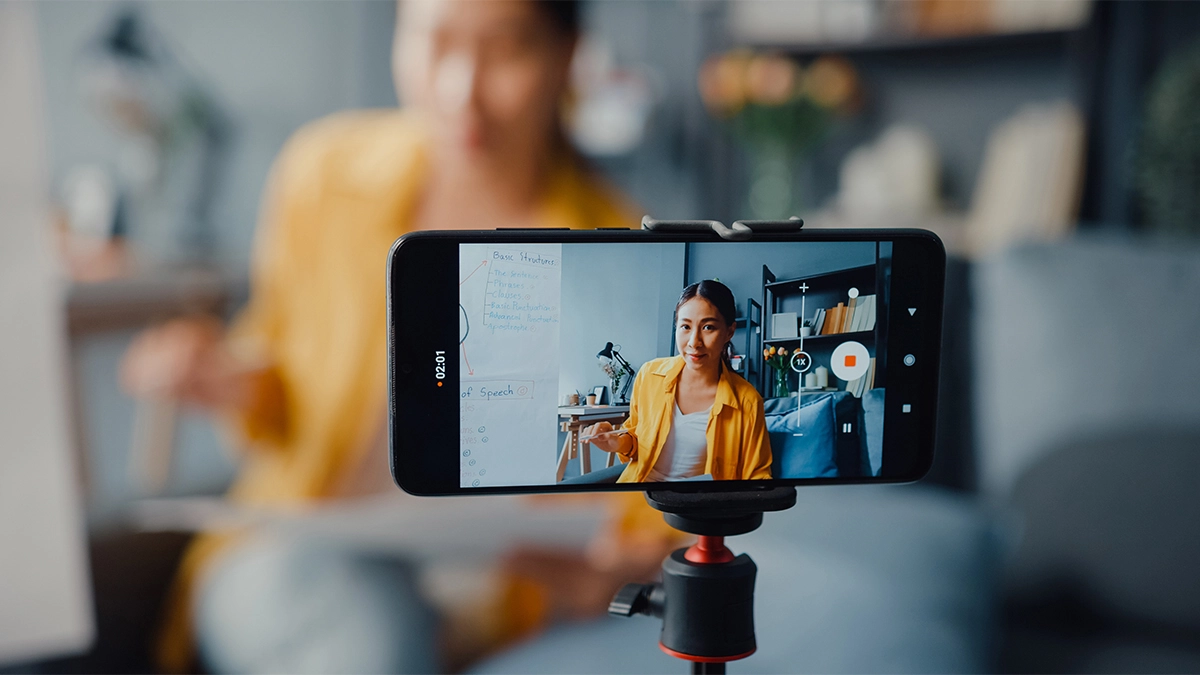
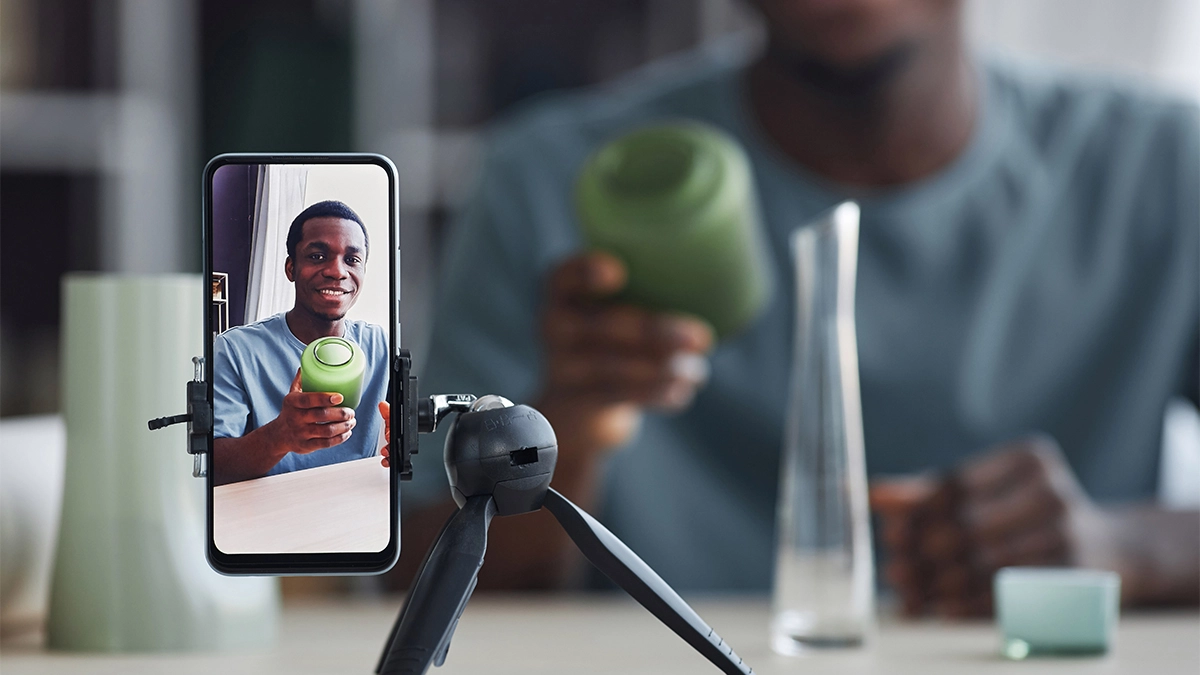
A modern smartphone is more than capable of recording your first business video. Clean the lens before filming and, where possible, use the rear camera for better quality. - Tripod:
A basic phone tripod keeps the shot steady and frees you from holding the camera. Position it at roughly eye level if you are speaking directly to the viewer. - Lighting:
Natural light from a window often works well. Face towards the window rather than standing with it behind you; otherwise your face may appear dark. If you record regularly or the room is dim, a small LED light can make the result more consistent. - Microphone:
Clear audio matters more than many people expect. Choose a quiet room, turn off background music and move away from humming appliances or busy roads. An inexpensive clip-on microphone can be a useful upgrade, especially if the phone needs to be further away.
Do a short test before recording the full video. Check the framing, lighting and sound with headphones if possible. It is much easier to fix a problem before filming than afterwards.
7. Record With the Final Edit in Mind
When you are ready to film, record a few versions rather than trying to capture one flawless take.
Leave a short pause before and after speaking. This gives you a clean point to cut during editing. If you make a mistake, pause, return to the start of the sentence and carry on. You don’t have to restart the entire video.
Try to keep the background tidy but relevant. A real workshop, shop, office or treatment room can tell the viewer something about your business, provided it is not too distracting.
It is also worth recording supporting footage, sometimes called B-roll. This could include:
- Your hands carrying out a task.
- A close-up of the product.
- A customer entering the premises, with their permission.
- Your team at work.
- Details of the space or equipment.
- The finished result.
These clips add interest and can cover cuts between different parts of your main recording.
8. Keep the Edit Straightforward
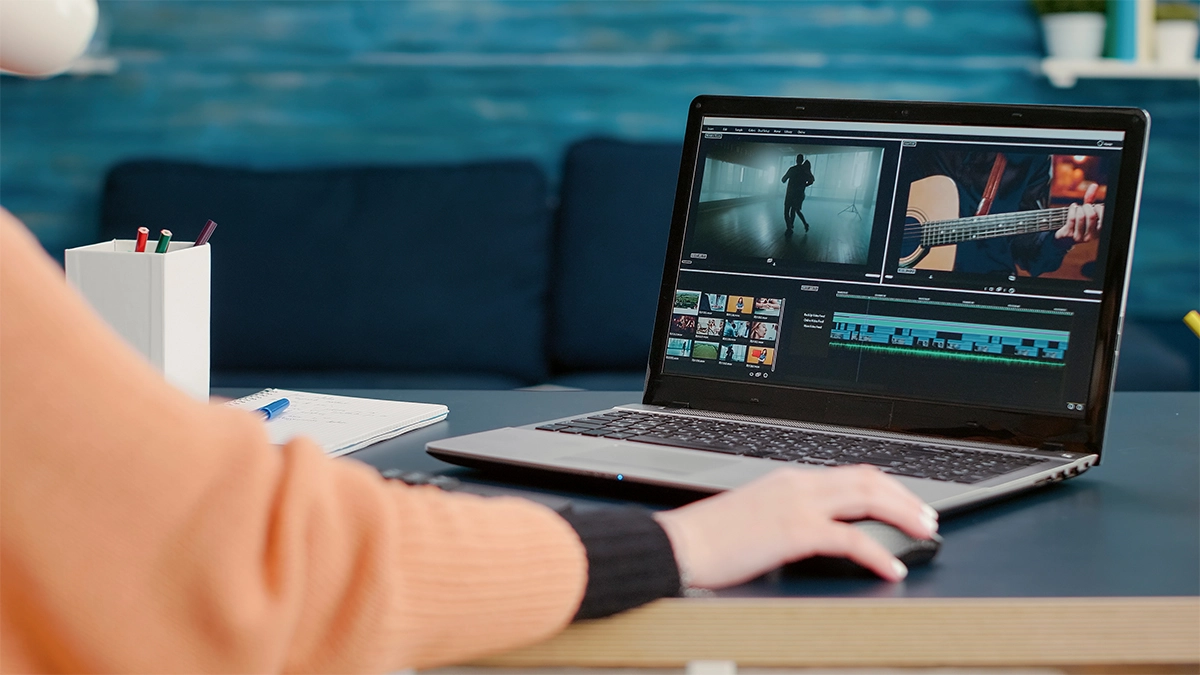
Editing doesn’t need to involve dramatic effects or complicated transitions. For most small business videos, a clean edit is more effective.
Focus on:
- Removing long pauses and obvious mistakes.
- Trimming unnecessary sections.
- Making sure the speech is easy to hear.
- Adding your logo only where it feels appropriate.
- Including captions for viewers watching without sound.
- Adding a clear final call to action.
CapCut, Canva, iMovie and Clipchamp are approachable options for simple edits. DaVinci Resolve offers more control, although it takes longer to learn.
Music can help set the tone, but it should not overpower the speaker. Make sure you have permission to use the track rather than choosing any song you happen to like.
If you have good footage but don’t have the time or confidence to edit it, professional editing can help turn those raw clips into something polished and ready to share.
read more
Video Editing Software for beginners
9. Publish The Video With a Purpose
Uploading the file is not quite the end of the job. The title, description and surrounding copy help both people and platforms understand what the video is about.
When publishing, include:
- A clear title that reflects the subject.
- A short caption or description explaining why it is useful.
- Relevant keywords used naturally.
- Captions or a transcript where appropriate.
- A thumbnail that is easy to understand.
- One clear call to action.
The call to action should relate to the video’s original goal. You might ask viewers to visit a service page, book an appointment, send a message, read a related guide or follow your account for more advice.
Avoid ending every video with a long list of instructions. One sensible next step is easier to follow.
10. Track What Works
Once your video is live, give it time and then look at how people respond.
Useful measures include:
- Views or reach.
- Average watch time.
- How many people watched to the end.
- Comments, shares and saves.
- Clicks to your website.
- Enquiries or sales connected to the video.
The most useful number depends on your goal. A service explainer that brings two relevant enquiries may be more valuable than a short clip that receives thousands of views but no meaningful action.
Look for patterns. If people leave during a long introduction, get to the point sooner next time. If a frequently asked question holds attention and generates comments, turn related questions into a short series.
This is how your video content improves: create, review and adjust.
11. Make Video Content Manageable
Consistency is helpful, but that does not mean you need to film something every day.
Choose a schedule you can realistically maintain. For many small businesses, recording several videos in one session is easier than setting up the camera every week.
You could:
- Plan four customer questions at the start of the month.
- Record all four answers in one session.
- Edit and schedule one video per week.
- Turn the strongest video into a website article or email.
- Revisit successful subjects from a different angle.
This approach gives you a repeatable process without allowing content creation to take over the business.
DIY Video or Professional Videography?
There is room for both.
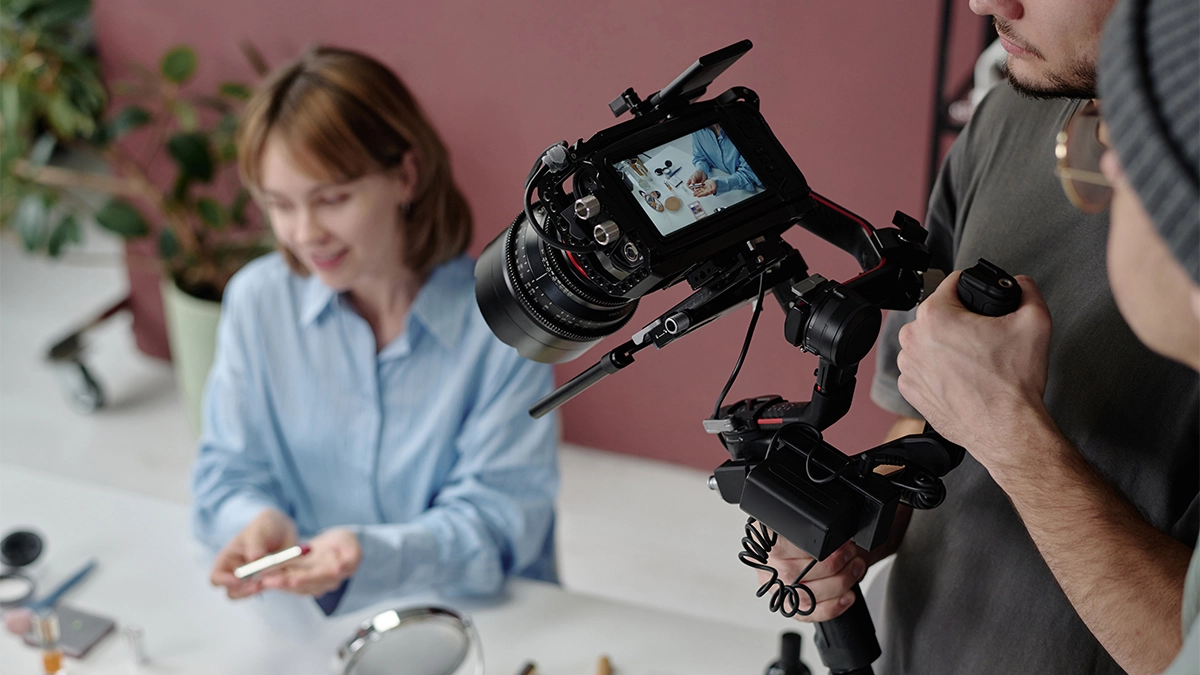
DIY video is ideal for regular tips, updates, informal behind-the-scenes content and quick answers. It’s affordable, flexible and often feels personal.
Professional videography becomes more useful when the video needs to represent your business for a long time or when the result needs more planning. This might include:
- A main video for your homepage.
- Customer case study or testimonial.
- A promotional campaign.
- A detailed product demonstration.
- Footage of a one-off event.
- A library of content to use across several channels.
A videographer can help with planning, sound, lighting, filming and editing. More importantly, they can help you decide what needs to be captured so that the finished video has a clear job.
If you are exploring videography for your small business, we can help you plan and produce video that feels natural, professional and useful across your marketing.
Final Thoughts
Creating video for a small business can feel like a big step, particularly when you are not used to being filmed. Start simply, focus on being useful and allow the process to become more comfortable over time.
Your first video does not need to look like a national advertising campaign. It needs a clear purpose, a message your audience understands and a sensible next step.
If you would rather have some help, take a look at our videography services or get in touch to talk through what you want to create. We can help with the planning, filming and editing, without making the process feel more complicated than it needs to be.