The most affordable web design options for startups include DIY website builders, a self-managed WordPress website, a small professionally built site, and pay-per-month website packages. The right choice depends on what your website needs to do, how much time you can spend on it, and the support you’ll need after launch.
If you’re testing an idea, a simple DIY site may be enough. If you need your website to explain your services, build confidence and support enquiries from the start, professional help may be worth budgeting for.
You don’t need every feature on day one. However, you do need a clear picture of what you’re paying for. Here’s how to compare your options and choose a starting point that works for your business.
- Affordable Web Design Options for Startups Compared
- What Does Affordable Actually Mean for Your Startup?
- Option 1: Build It Yourself With a Website Builder
- Option 2: Create a WordPress Website Yourself
- Option 3: Hire a Freelancer or Small Web Design Agency
- Option 4: Choose a Pay-Monthly Website Service
- Option 5: Work With a Student or Early-Career Designer
- Website Builder vs Web Designer: Which Is More Cost-Effective?
- How to Find Affordable Web Design Tailored to Your Startup
- How to Keep Website Costs Down Without Creating More Work Later
- FAQs
- Choose the Website Your Business Needs Now
Affordable Web Design Options for Startups Compared
Start by comparing how each route works, rather than looking at the headline price alone.
| Website Option | Upfront Spending | Ongoing Costs | Your Time | Best Suited To |
|---|---|---|---|---|
| DIY website builder | Usually lower; you create the site | Subscription, domain renewal and any paid extras | High during setup | Simple websites and testing a business idea |
| Self-managed WordPress | Hosting, domain and any paid tools | Hosting, renewals, licences and any support | High if you’re learning | Founders who want flexibility and can manage the technical work |
| Freelancer or small agency | A project fee based on the agreed scope | Hosting, renewals and optional maintenance | Content, feedback and approvals | Businesses that want professional guidance and a tailored result |
| Pay-monthly website service | May include a setup fee | Recurring payments, potentially with a minimum term | Depends on what the service includes | Businesses that prefer spreading the cost |
| Student or early-career designer | Negotiated project fee | Hosting, renewals and future support | Potentially more input and coordination | Simple projects with flexible deadlines |
These are different ways of commissioning and managing a website. They aren’t fixed quality levels. A freelancer might customise a template, while an agency might offer either template-based or custom design. Ask what the actual proposal involves.
For a broader breakdown of pricing, read our guide to how much a business website costs.
What Does Affordable Actually Mean for Your Startup?
An affordable website fits your budget and does the job you need it to do.
For a new consultant, that might mean explaining their services and making it easy to book a conversation. For a retailer, it could mean managing products, payments and deliveries. Those businesses need different websites, even if both are starting.
Before comparing prices, write down three things:
- Your main goal: What should visitors do: enquire, book, buy or join a waiting list?
- Your launch requirements: Which pages and features are essential to make that happen?
- Your available resources: How much money and time can you realistically invest?
Then separate your launch budget from your running costs. A low setup price can still lead to a sizeable bill if subscriptions, updates and extras sit outside the advertised package.
Option 1: Build It Yourself With a Website Builder
Best for: Founders with straightforward requirements and time to create their own site.
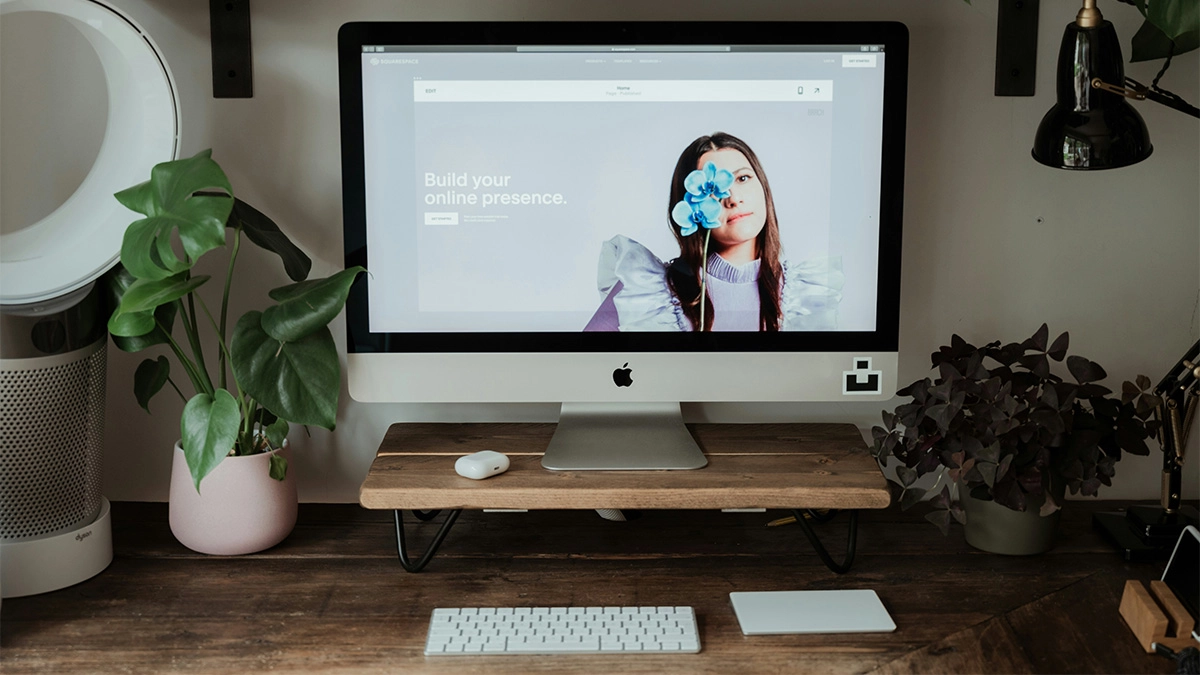
Website builders such as Wix and Squarespace let you create pages using visual editing tools. Hosting is included in their website plans, which reduces the number of separate services you need to organise.
You’ll still need to plan the pages, write the content, choose images and check how everything works on mobile.
When a Website Builder Makes Sense
A builder can be a sensible starting point if you’re launching a simple service website, portfolio or business idea with a small budget. You can work through the design yourself and make changes without commissioning every update.
Before paying, try building one complete page. Add your real wording, images and enquiry form. This gives you a more useful test than scrolling through attractive demo templates.
What to Check Before Choosing a Plan
Check whether your chosen subscription includes:
- Connecting your own domain and removing platform branding.
- The booking, payment or selling features you need.
- Enough storage and suitable limits for your content.
- Access for anyone helping you manage the site.
- The integrations your business already uses.
Also check the billing commitment, renewal price and cost of extras such as business email or marketing tools. Compare the live Wix plans and Squarespace plans using your actual requirements.
For an online shop, include a commerce-focused platform such as Shopify in your comparison. Look beyond the subscription to payment processing, apps and any additional transaction fees.
Website builders can support SEO. The outcome also depends on your content, structure, competition and how well you use the available tools. Paying for a plan doesn’t automatically bring search traffic.
If you’re considering an AI-assisted setup, our guide to whether AI website builders are worth it explains the work that still needs your attention.
Option 2: Create a WordPress Website Yourself
Best for: Founders who want flexibility and are happy to learn or arrange technical support.
Here, we’re talking about the free, open-source software available from WordPress.org, installed on hosting you arrange separately.
You can begin with a free theme, use the block editor to build pages and add plugins for specific features. A premium theme is optional, so there’s no need to buy one before you know what’s missing.
Where the Value Comes From
WordPress gives you a wide choice of hosting providers, themes and plugins. You can also commission help later if your requirements become more involved.
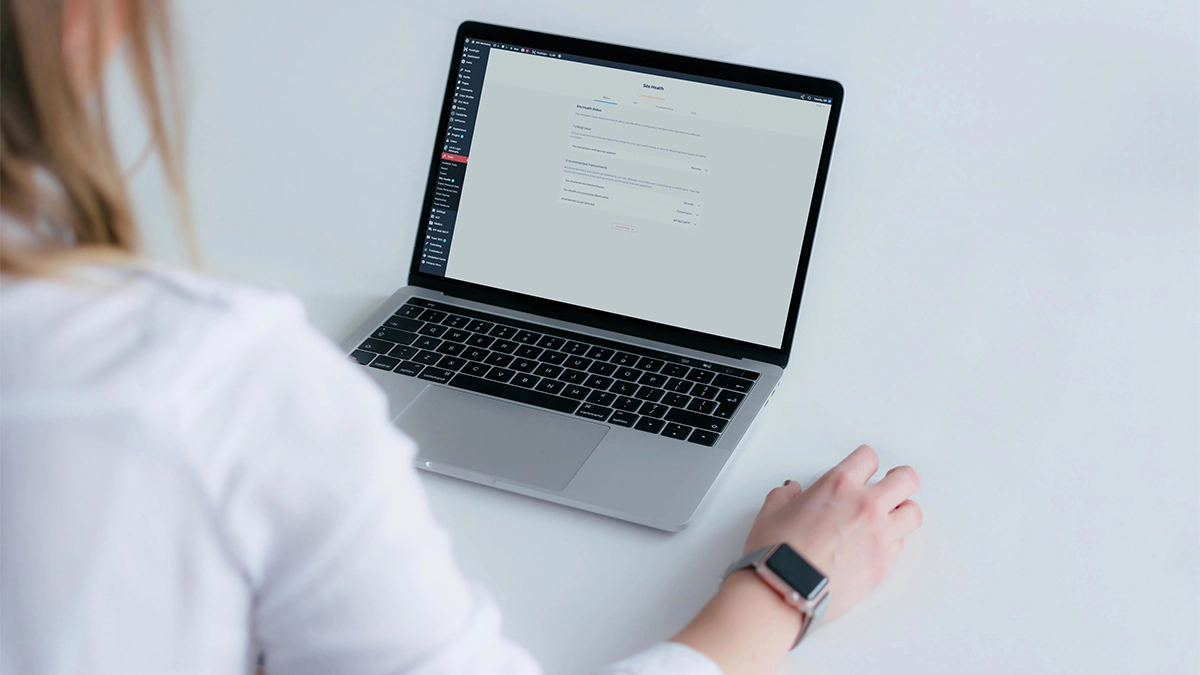
However, free software doesn’t mean a free finished website. Your budget needs to cover hosting, your domain and any paid features you choose. You’ll also need someone to handle updates, backups and troubleshooting.
Some hosting packages include parts of that work. Others leave more of it to you, so check the details before assuming everything is managed.
What to Watch Out For
Buying several overlapping plugins can turn a modest setup into a collection of annual renewals. Start with the features you need and keep a record of what each licence costs.
Be realistic about the learning involved, too. Installing WordPress is only one stage. Structuring pages, writing useful content and testing forms take time, whichever platform you choose.
Our WordPress vs Wix comparison explores the different approaches. If you want someone to handle the hosting side, check what’s included in our managed website hosting.
Option 3: Hire a Freelancer or Small Web Design Agency
Best for: Businesses that want help turning their requirements into a finished website.
A freelancer or small agency can take on the planning, design and build, with the exact work set out in the quote. This can be useful when your time is limited or you need guidance on how the site should support your business.
The most useful question is: “What will you help me achieve within this budget?”
A smaller, carefully planned website might suit your launch better than a larger package filled with pages you don’t yet need.
Compare the Work Included
Ask whether the project covers:
- Planning your pages and the routes visitors will take.
- Custom design or adapting an existing template.
- Writing content or helping you improve supplied copy.
- Mobile layouts and accessibility considerations.
- Page titles, headings and other agreed SEO setup.
- Forms, integrations, testing and launch support.
- Training and support after handover.
Neither a low quote nor a high quote tells you all of this. Two proposals can have the same page count while involving very different amounts of work.
At 404 Marketing, our WordPress web design service focuses on custom-designed websites built around your business. If that’s the route you’re considering, we can help you work out a sensible scope before you commit.
Option 4: Choose a Pay-Monthly Website Service
Best for: Businesses that prefer predictable payments and an agreed level of ongoing support.
Pay-monthly website services spread some or all of the cost across recurring payments. Depending on the provider, the fee might include design, hosting, maintenance and a limited amount of content editing.
That can help with cash flow. However, compare the full commitment before deciding it’s the cheapest option.
For example, an illustrative £60 monthly service over a 24-month minimum term costs £1,440, before any setup fee or extras. That could be good value if it includes the work and support you need. The monthly figure alone doesn’t tell you.
Ask what happens if you cancel. Can you keep using the website? Can you move it to another provider? Is there a buyout charge? Also check who controls the domain and what happens to your content.
Spreading payments and owning a transferable website are separate questions. Get clear answers to both.
Option 5: Work With a Student or Early-Career Designer
Best for: Simple projects where you can be flexible and provide a clear brief.
A student or designer building their portfolio may offer a lower project fee than a more established provider. This can work well when the requirements are straightforward, and both sides understand the scope.
Agree payment, milestones, revisions, access and handover in writing. Also discuss who will help if a problem appears after launch.
Assess their work and communication rather than making assumptions about their age or experience. Equally, don’t build your business launch around the expectation of free work. A fair, clearly defined project is a better starting point for everyone.
Website Builder vs Web Designer: Which Is More Cost-Effective?
A DIY builder usually reduces your initial spending on professional work. Hiring a designer can reduce the amount of planning, learning and building you need to do yourself.
Compare three costs: the money you pay, your own time, and any work needed to correct or replace the site later.
Suppose you spend 30 hours building a website. If you value that time at £25 an hour, you’ve committed £750 of your time alongside the subscriptions. That’s an illustration, not an extra invoice or a prediction of lost earnings. It simply helps you judge the trade-off.
If you enjoy the work and have capacity, DIY may still make sense. If those hours would delay paid work or your launch, professional support deserves consideration.
Example First-Year and Ongoing Budgets
These hypothetical budgets show how to compare costs. They aren’t provider quotes, market averages or promises about what a package includes.
| Example Route | Initial Setup | Annual Running Costs | First-Year Total | Each Later Year |
|---|---|---|---|---|
| DIY builder | £0 professional build fee | £240 subscription + £20 domain | £260 | £260 |
| DIY WordPress | £80 theme purchase | £180 hosting + £20 domain + £60 plugin renewals | £340 | £260 |
| Professionally built website | £1,500 build fee | £240 hosting + £20 domain | £1,760 | £260 |
For simplicity, these examples assume unchanged annual prices, no first-year domain offers and no recurring theme fee. They exclude your time, paid maintenance, copywriting, business email, transaction fees and marketing. Check the actual inclusions, licence terms and any applicable VAT before comparing real proposals.
A three-year comparison can be useful too: add the initial setup to three years of running costs, using renewal prices rather than assuming an introductory offer continues.
How to Find Affordable Web Design Tailored to Your Startup
Start with a short brief. It doesn’t need technical language. Explain who your customers are, what you offer and what you want visitors to do.
For example:
“We’re launching a local cleaning business. We need to explain our services and coverage area, show customer feedback and collect quote requests. We’ll supply our logo and photographs. Online payments can wait.”
That gives a designer something useful to price. It also makes it easier to spot features you’re being offered but don’t need.
Send the same brief to each shortlisted provider. Then compare their approach, relevant examples and written scope alongside the cost.
Before choosing, ask:
- What’s included, and what would cost extra?
- Who supplies the wording, images and other content?
- How many revisions are included?
- Which SEO tasks will you complete?
- What are the annual renewal and support costs?
- What access and training will I receive?
- What happens if I leave or need another designer’s help?
Clear answers are more useful than a long list of features with no explanation.
How to Keep Website Costs Down Without Creating More Work Later
Launch With a Focused Scope
Prioritise the information customers need to make a decision: what you do, who you help, why they should trust you and how to get in touch.
A one-page site can suit a single, straightforward offer. Separate service pages may make more sense when you need to explain several services in detail or target distinct searches.
Choose the structure around the content, rather than forcing everything onto one page to save a small amount upfront.
Prepare Your Content Early
Gather your logo, service details, photographs, contact information and any testimonials you have permission to use. Decide who will approve the content before the build begins.
If you’re writing the copy yourself, focus on answering customer questions. Our guide to writing website copy that converts can help you make each page clearer.
Add Features When You Need Them
A customer portal, advanced booking system or complex integration may be useful later. Before paying for it now, ask whether a simpler process will work during launch.
However, tell your designer about likely future requirements. Planning for them early can help you avoid choosing a platform that makes the next stage unnecessarily difficult.
Agree Who Looks After the Website
Hosting, software updates, backups and content changes aren’t always part of the same service. Establish who handles each task and where you’ll go for help.
If you’d prefer ongoing support, explore our website maintenance services and compare the included work with what you need.
FAQs
Choose the Website Your Business Needs Now
The most affordable web design options for startups balance your launch budget with your time, support needs and plans for growth.
Start with a clear purpose, compare the total costs and ask what’s included. You can keep the first version focused while giving yourself room to develop it.
Need a hand deciding what to build? We’ll help you work through the options and scope a website around your business.