Choosing the best website builders in 2026 can feel overwhelming, especially for small businesses that want a professional website without overspending or getting locked into the wrong platform.
A website is often the first place potential customers interact with your business, so choosing the right builder matters. The good news? You don’t need an in-house team or a huge budget to get something live.
In this guide, we break down the best website builders for small businesses, what each one is good at, where they fall short, and how to decide which option actually fits your goals – both now and as your business grows.
What is a Website Builder?
A website builder is a tool that allows you to create and manage a website without needing to write code or understand complex development processes.
Most website builders use pre-designed templates and visual editors, making it possible to build pages, add content, and update your site through a simple drag-and-drop interface.
For startups, freelancers, and small businesses, website builders offer a faster and more affordable way to get online, especially when time or budget is limited.
Overview of 5 Best Website Builders
Now that you know the basics, it’s time to dive deeper. Almost 18 million websites are built with website builders. Here’s a quick overview of the top website builders on the internet.
| Website Builder | No. Of Websites Across Internet | Ease of Use | Scalability | Best For |
|---|---|---|---|---|
| WordPress | 500 million + | Medium | Excellent | Growing businesses, SEO-focused sites |
| Wix | 8 million + | Very easy | LImited | Beginners & quick launches |
| Shopify | 4.6 million + | Medium | Excellent | Online sotres & e-commerce |
| Squarespace | 4.3 million + | Easy | Excellent | Design-led businesses |
| Hostinger | 403,580 | Easy | Low-moderate | Budget-conscious startups |
Want a custom website that fits your business?
Check out our web design services
1.WordPress
Best for: Small businesses who want full control over their website, companies planning to scale and looking for advanced customisation options, and businesses that focus heavily on SEO and content marketing.
WordPress is one of the most flexible and scalable website builders available. In fact, over 45% of websites on the internet now run on WordPress, largely because it can be shaped around almost any business need.
Because WordPress is open-source, it gives you far more control than most “all-in-one” builders. Whether you’re running a simple brochure site, a blog, or a full e-commerce store, WordPress can adapt as your business grows.
In our experience, WordPress is often the platform businesses move to once they outgrow simpler builders. It offers stronger SEO control, better performance optimisation, and far fewer long-term limitations.
| Why Choose WordPress? | Why You Shouldn’t Choose WordPress? |
|---|---|
| Best for full customisation with thousands of themes & plugins | Security risks if not properly maintained |
| Scalable for any website | Too many customisation options |
| Full control over SEO optimisation | Hosting and catchy custom domain |
| Open-source and highly flexible | Requires regular updates and maintenance |
WordPress Pros
- It’s free to use, you don’t have to pay
- Fully control your data
- Massive customization options
- Excellent for SEO and rankings
WordPress Cons
- Requires ongoing updates and maintenance
- Hosting and domains are managed separately
- Too much flexibility can feel overwhelming at first
read more
WordPress starter guide
2. Wix
Best for: Beginners who want to build a website fast, freelancers and designers who want creative and aesthetic designs, and small businesses that don’t require advanced builder features.
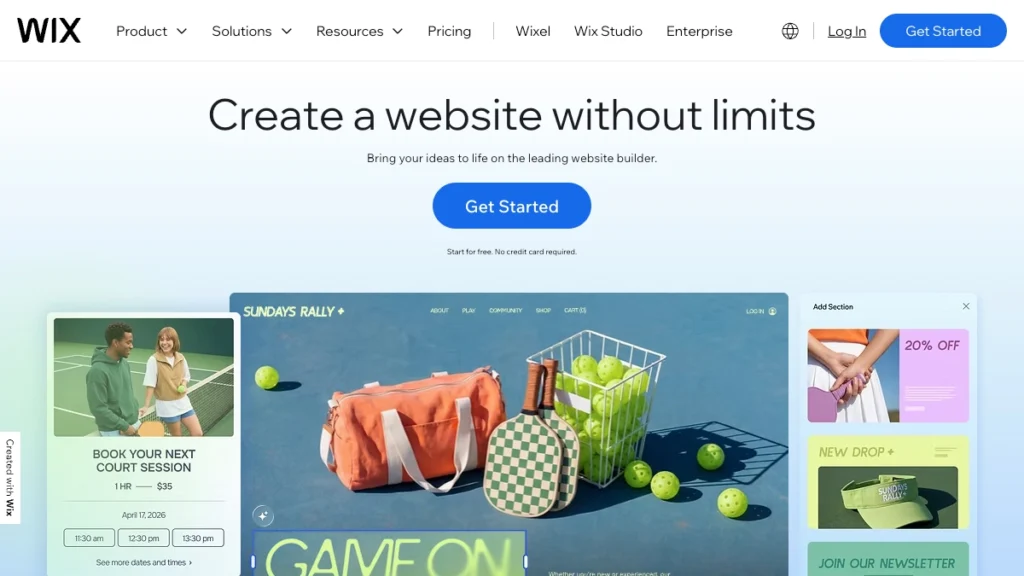
Wix is a popular choice for beginners who want to get a website live quickly with minimal setup. Its drag-and-drop editor makes it easy to design pages visually, without worrying about hosting or technical configuration.
For small businesses that need a simple website, such as a portfolio, brochure site, or landing page, Wix can be a good starting point. However, as businesses grow, Wix’s limitations around SEO, structure, and scalability often become more noticeable.
| Why Choose Wix? | Why You Shouldn’t Choose Wix? |
|---|---|
| Wide range of high-quality templates & features | No template switching after publishing |
| Free plan available before upgrading | Higher cost for advanced eCommerce features |
| Powerful add-ons via Wix App Market | Not ideal for niche websites |
| AI-powered text creator for quick site building | Limited call support in non-English languages |
Wix Pros
- Drag-and-drop website builder, no coding required
- Incredible website builder using generative AI
- Vast library of pre-designed modern builder templates for almost all businesses
- Has 900+ responsive templates
Wix Cons
- Less customisation compared to WordPress
- Plans are expensive
- Can’t change the template further
- Steep learning curve
4. Shopify
Best For: Businesses that want to sell products online. Companies that require full-featured eCommerce solutions with advanced eCommerce tools.
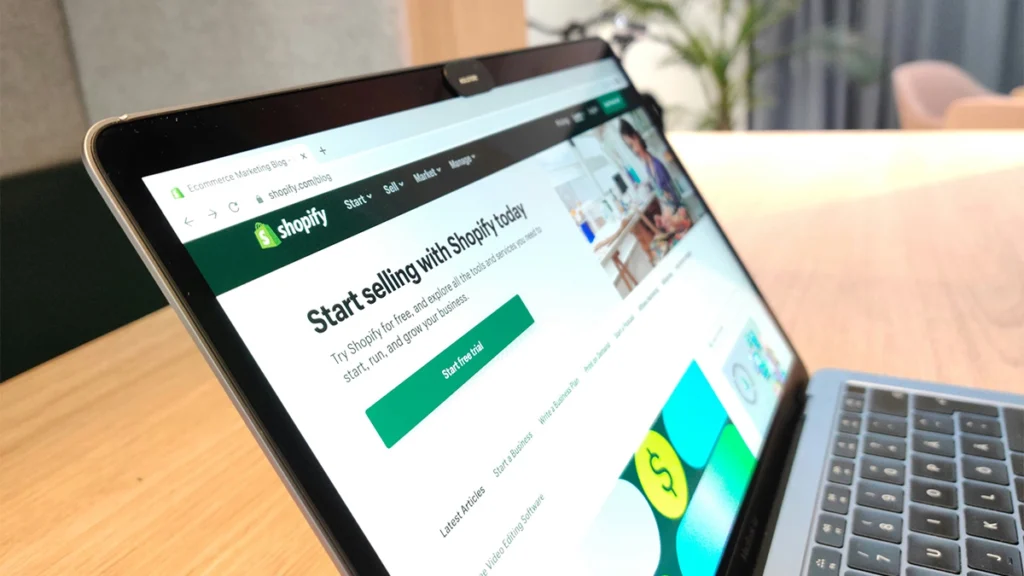
Shopify is purpose-built for selling online. Unlike general website builders, every part of the platform is designed around products, payments, and order management.
If your primary goal is e-commerce, Shopify is one of the strongest options available. That said, it can be expensive once you factor in apps, themes, and transaction fees, and it’s often more complex than businesses expect at the start.
| Why Choose Shopify? | Why You Shouldn’t Choose Shopify? |
|---|---|
| Strong order and inventory management tools | Expensive plans with a short free trial |
| Reliable with built-in hosting and 24/7 support | Built-in blogging and additional features |
| Constantly updated sales features for online stores | Migration to other platforms can be difficult |
| Supports multi-channel selling (social media, marketplaces, in-person sales) | Not beginner-friendly compared to Wix or Squarespace |
shopify Pros
- Suitable for people with web development experience
- Several built-in AI and SEO tools
- Powerful e-commerce design features
- User-friendly store management with intuitive interface
shopify Cons
- High cost compared to traditional website builders
- Limited free templates
- Transaction fees if not using Shopify Payment options
3. Squarespace
Best for: Creative professionals like photographers, designers, bloggers, and writers; businesses that want scalability features and high-end visuals without hiring an in-house designer; small businesses, eCommerce stores, and startups opting for a polished and modern look.
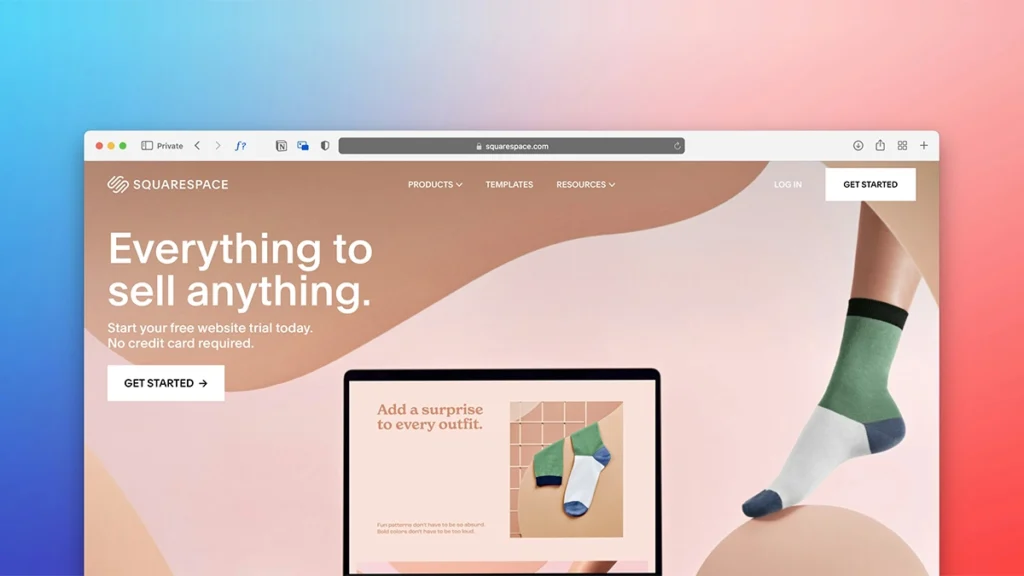
Squarespace is known for its clean, design-focused templates and polished layouts. It’s a strong option for businesses that value presentation and want a professional-looking website without spending time on custom design work.
While it’s easy to use and visually impressive, Squarespace offers less flexibility than WordPress, which can be limiting for businesses with more complex requirements.
According to the latest report, Squarespace is in 200+ countries and territories.
| Why Choose Squarespace? | Why You Shouldn’t Choose Squarespace? |
|---|---|
| Free 2-week trial available | No free plan after trial ends |
| Great for design-focused websites | Limited multilingual support for global sites |
| Beginner-friendly and easy to use | Not fully customizable |
| Acuity Scheduling tool for service-based businesses | Not the best for large online stores; advanced eCommerce functionalities |
squarespace Pros
- Several aesthetic templates
- Easily install and change templates anytime
- 24/7 customer support
- Built-in features for eCommerce
- Offers a free SSL certificate
squarespace Cons
- More expensive than other website builders
- Doesn’t have a free plan, only a 14-day trial
- Less customisable than WordPress
- Lacks autosave option
5. Hostinger Website Builder
Best For: Startups and solopreneurs on a tight budget. Businesses that want a simple website to increase online presence. Builder for beginners with a comprehensive suite of generative AI tools.
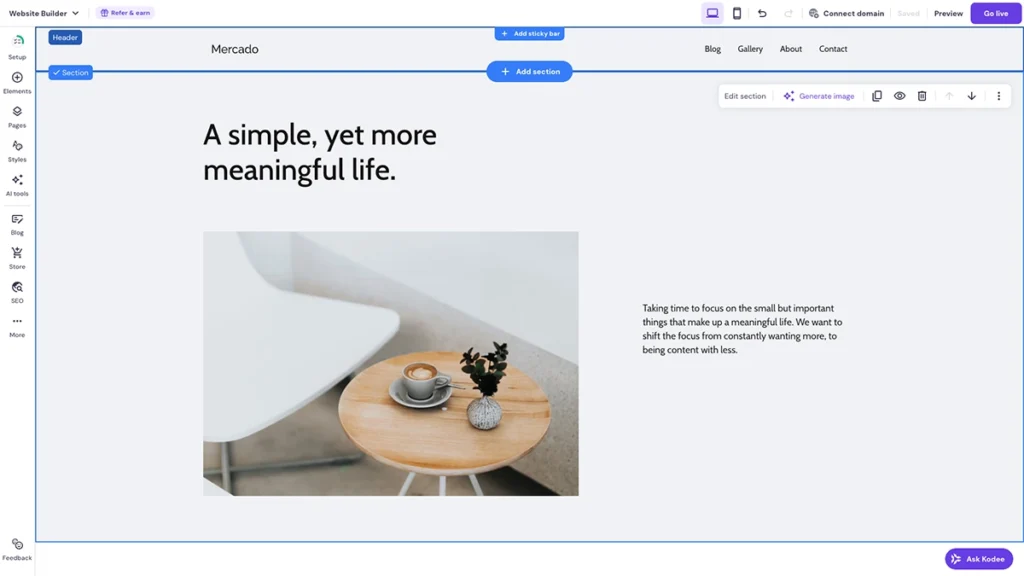
Hostinger’s website builder is aimed at startups and small businesses working with a tight budget. It offers a simple drag-and-drop editor, basic templates, and built-in AI tools to speed up the setup process.
It’s a good option for getting online quickly, but it’s best viewed as a starting point rather than a long-term solution, particularly if you plan to grow or invest in SEO later on.
| Why Choose Hostinger? | Why You Shouldn’t Choose Hostinger? |
|---|---|
| All-in-one solution with built-in tools | Changing templates erases all existing work |
| Free domain name for one year | Limited to no third-party integrations for added features |
| AI-powered website creation | Limited creative control; designed for beginners |
| Great for simple sites or small online stores | Limited scalability with few pricing plans |
hostinger Pros
- AI suite of tools
- Great templates accessible via all plans
- Easy-to-use and simple interface
- Royalty free images
- Money-back guarantee (30 days)
- Multi-language support
hostginer Cons
- Doesn’t offer a free plan
- Less customization options
- eCommerce options are available in the premium plan only
How To Choose the Best Website Builder for Your Business?
The best website builder isn’t the most popular one, it’s the one that fits how your business actually operates.
Before choosing a platform, it’s worth being clear on what your website needs to do now and what you expect it to do in the future.
1. Be Clear on Your Website’s Purpose
Ask yourself:
- Are you promoting services or selling products online?
- Do you need the website to generate enquiries or bookings?
- Will SEO play a big role in attracting new customers?
Your answers will determine which features matter most and which ones you can ignore.
2. Prioritise Features That Support Growth
Not all website builders scale well. As your business grows, your website may need:
- Better SEO control
- Faster performance
- More flexible design or functionality
- Integrations with marketing or booking tools
Choosing a platform that supports growth early on can save you from rebuilding your site later.
3. Consider Ease of Use vs Flexibility
Some builders are easier to use but more restrictive. Others offer more control but require a little more setup.
- If you want something quick and simple, a drag-and-drop builder may be enough.
- If you want long-term flexibility and control, platforms like WordPress are often a better fit.
4. Set a Realistic Budget
Website builders vary widely in cost and the cheapest option isn’t always the best value.
Consider:
- Monthly fees
- Costs for templates, plugins, or apps
- The cost of switching platforms later if you outgrow it
A slightly higher upfront cost can often save money long term.
Here’s how much each website builder costs (as of 2026).
| Website Builder | Free Plan | Basic Plan | Business Plan | e-commerce Plan |
|---|---|---|---|---|
| WordPress | No | £3 – £10/month (Hosting) | Not Available | Plugins & Themes: £30 – £200+ |
| Wix | Yes | £9/month | £119/month | Varies |
| Squarespace | No (14-day free trial) | £12/month | £17/month | £23 – £35/month |
| Shopify | No (3-day trial) | £19/month | £49/month | £259/month |
| Hostinger | No | £2.59/month | £3.79/month | £3.79/month |
final thoughts
Website builders make it easier than ever to get your business online and for many small businesses, they’re a perfectly good starting point.
That said, as your business grows, your website often needs to do more: rank better in search results, load faster, convert more visitors, or integrate with other tools. This is usually where the limitations of some builders start to show.
If you’re unsure which website builder is right for your business, or whether a builder is the right option at all, getting advice early can make a big difference. The goal isn’t just to launch a website, but to build something that supports your business long term.