Selling online has never been more accessible for small businesses. Platforms like WooCommerce, Shopify and Squarespace have made it possible to launch an online shop quickly and without huge technical knowledge.
However, simply having an online store is not enough. The design of your e-commerce website plays a huge role in whether visitors stay on your site, trust your business, and ultimately make a purchase.
Good design builds credibility, improves the user experience and removes friction from the buying process. Poor design does the opposite and can quietly cost you sales.
In this guide, we will walk through practical e-commerce web design tips that small businesses can implement to create a store that looks professional and converts visitors into customers.
- Why Good E-commerce Web Design Matters
- 1. Keep Your Website Simple and Easy to Navigate
- 2. Make Mobile Design a Priority
- 3. Use High Quality Product Images
- 4. Write Clear and Helpful Product Descriptions
- 5. Create Clear Calls to Action
- 6. Simplify the Checkout Process
- 7. Build Trust With Customers
- 8. Optimise Website Speed
- 9. Make Search and Filtering Easy
- 10. Use Consistent Branding
- 11. Include Helpful Customer Support Options
- 12. Use SEO Friendly Design
- 13. Highlight Popular or Recommended Products
- 14. Add Social Proof
- 15. Regularly Test and Improve Your Website
- Common E-commerce Web Design Mistakes to Avoid
- Final Thoughts
Why Good E-commerce Web Design Matters
Before diving into specific tips, it helps to understand why web design matters so much for online shops.
When someone lands on your website, they form an impression within seconds. If the site feels confusing, slow or unprofessional, many users will leave before they even look at your products.
A well-designed e-commerce website helps by:
- Building trust with new visitors
- Making it easy to browse products
- Guiding users towards a purchase
- Reducing abandoned carts
- Improving search engine rankings
For small businesses, your website often replaces the experience of walking into a physical shop. It needs to feel welcoming, easy to navigate and trustworthy.
Now let’s look at some practical e-commerce web design tips you can use.
1. Keep Your Website Simple and Easy to Navigate
One of the most important e-commerce web design tips is simplicity.
Many small businesses try to include too much information on their website. Too many colours, banners, pop-ups or menus can quickly overwhelm visitors.
Instead, aim for a clean layout that guides people naturally through your shop.
A simple structure usually includes:
- A clear navigation menu
- A search bar
- Well-organised product categories
- A visible shopping cart
- Easy access to support or contact details
When visitors can quickly find what they are looking for, they are far more likely to continue browsing and eventually buy.
Think about large online retailers. Their websites are not complicated. They focus on clarity and usability.
Need help creating an e-commerce website?
Check out our e-commerce web design services
2. Make Mobile Design a Priority
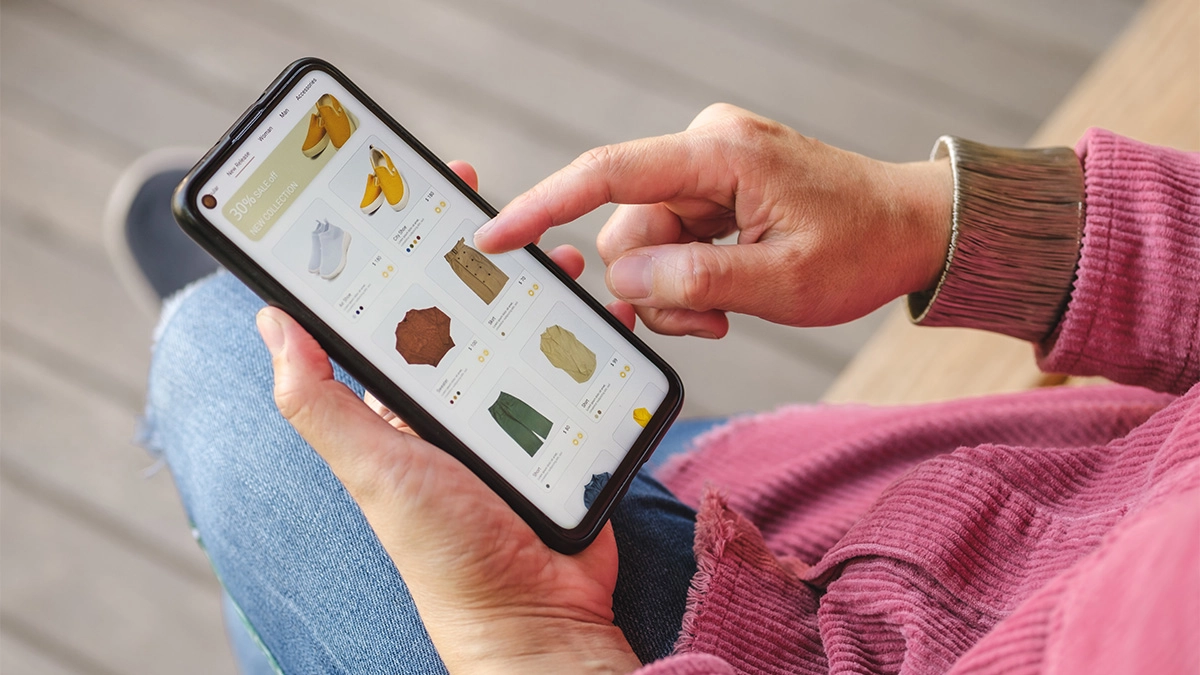
More than half of online shopping now happens on mobile devices. If your website does not work properly on a phone, you are likely losing a large portion of potential customers.
A mobile-friendly design should:
- Adjust automatically to smaller screens
- Use buttons that are easy to tap
- Display readable text without zooming
- Load quickly on mobile data
Your checkout process also needs to work smoothly on mobile. Long forms and complicated steps can easily cause users to abandon their purchase.
When planning your online shop, always check how pages look and function on a phone as well as on a desktop.
Mobile usability is not just important for customers. Search engines like Google also favour mobile-friendly websites in search results.
3. Use High Quality Product Images
In a physical shop, customers can pick up and inspect products. Online, your images must do that job for them.
Clear, professional images help customers understand exactly what they are buying and increase confidence in your brand.
Some good practices include:
- Use high-resolution photos
- Show products from multiple angles
- Include close-up detail shots
- Use consistent backgrounds
- Add lifestyle images showing the product in use
Avoid blurry photos or inconsistent lighting. These can make your shop look less professional.
If possible, allow users to zoom into images. This simple feature can significantly improve the shopping experience.
4. Write Clear and Helpful Product Descriptions
Product descriptions are often overlooked, but they play an important role in both user experience and SEO.
A good product description should answer common questions a buyer might have.
Consider including:
- Key features
- Materials or specifications
- Dimensions or sizing information
- Care instructions if relevant
- Benefits of the product
Avoid copying manufacturer descriptions if possible. Unique content helps search engines understand your website and improves your chances of ranking.
Clear descriptions also reduce the number of customer enquiries and returns.
5. Create Clear Calls to Action
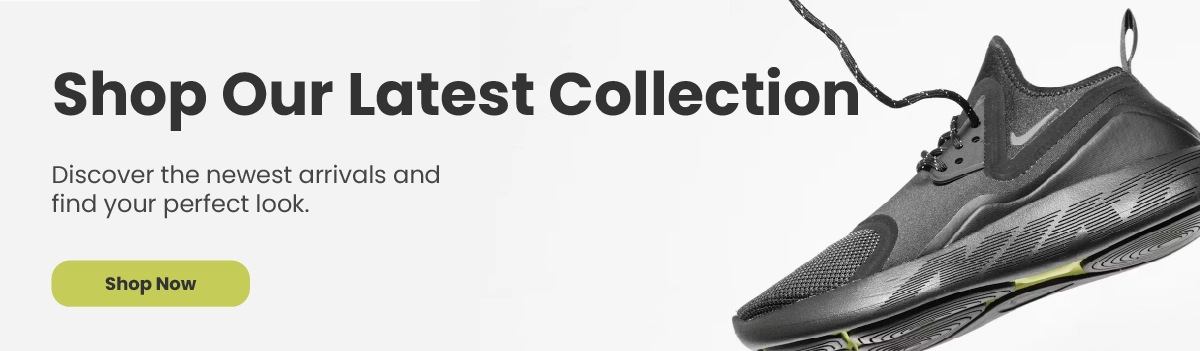
Your website should gently guide visitors towards the next step.
In e-commerce, this usually means encouraging users to add products to their cart or complete a purchase.
Your calls to action should be:
- Easy to see
- Clearly worded
- Consistent across the website
Examples include:
- Add to basket
- Buy now
- View product
- Continue to checkout
Buttons should stand out from the rest of the page while still fitting your overall design.
Small design changes to calls to action can have a surprisingly large impact on conversions.
6. Simplify the Checkout Process
One of the most common reasons for lost sales is a complicated checkout process.
Customers want to complete their purchase quickly and without frustration. Every extra step increases the risk that they abandon their cart.
Good checkout design should:
- Minimise the number of steps
- Ask only for essential information
- Clearly show shipping costs
- Offer guest checkout options
- Provide multiple payment methods
Progress indicators can also help. When customers know exactly how many steps remain, they are more likely to complete the purchase.
For small businesses, improving checkout usability is one of the most effective e-commerce web design tips for increasing sales.
7. Build Trust With Customers
When someone shops online with a new business, trust is incredibly important.
Your website design should reassure visitors that your business is legitimate and secure.
Some simple trust signals include:
- SSL certificates and secure checkout
- Clear contact information
- Customer reviews or testimonials
- Visible return and refund policies
- Professional branding and design
Displaying recognised payment methods such as Visa, Mastercard or PayPal can also help reassure customers.
Trust is built through small details across your entire website.
8. Optimise Website Speed
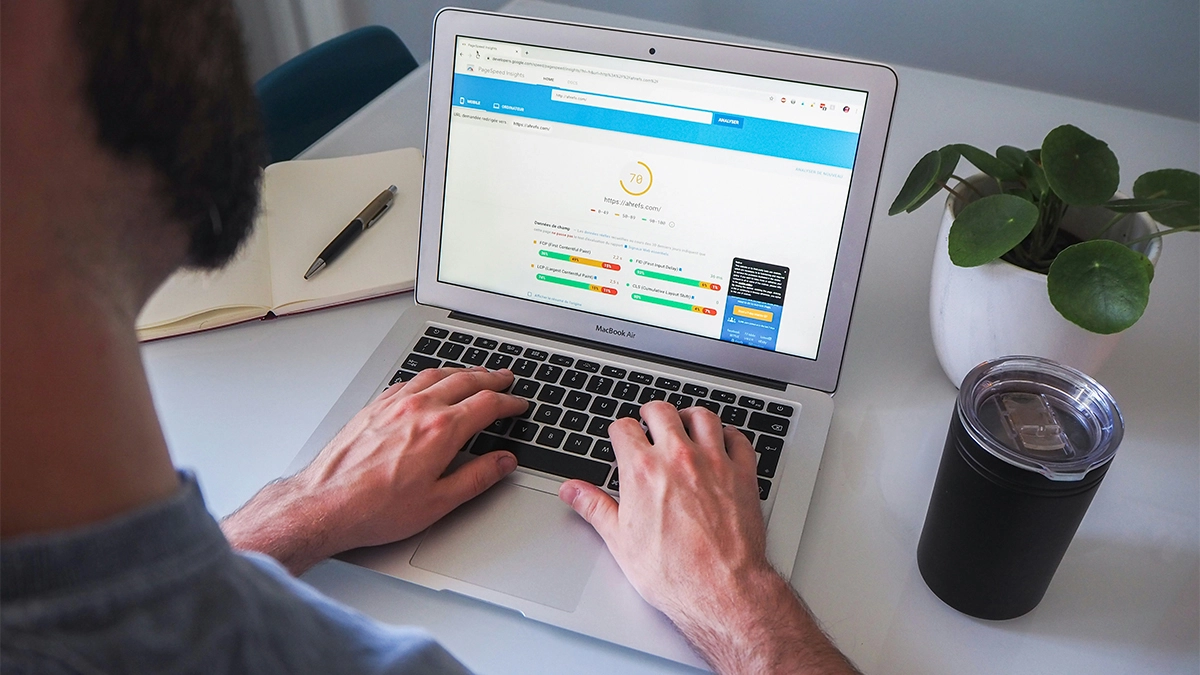
Website speed is often overlooked, but it has a major impact on both user experience and SEO.
If your website takes too long to load, visitors may leave before they even see your products.
Common causes of slow websites include:
- Large uncompressed images
- Too many plugins or scripts
- Poor hosting services
- Lack of caching or optimisation
Some ways to improve speed include:
- Compressing images
- Using fast hosting
- Enabling caching
- Minimising unnecessary scripts
Even a one-second improvement in loading time can increase conversions.
Speed should always be considered when planning an e-commerce website.
9. Make Search and Filtering Easy
As your product catalogue grows, browsing can become difficult without proper filtering and search tools.
Visitors should be able to quickly narrow down products by category or features.
Useful filtering options might include:
- Price ranges
- Product categories
- Size or colour
- Brand or model
A strong search function is also essential. Many customers already know what they want and prefer to search directly.
These features help users find products faster and reduce frustration.
10. Use Consistent Branding
Your website should feel like a natural extension of your brand.
Consistent branding helps customers remember your business and builds credibility.
This includes:
- Colours
- Fonts
- Logo placement
- Photography style
- Tone of voice
For example, if your brand focuses on luxury products, the website design should reflect that with elegant layouts and refined typography.
If your business is more playful or creative, your design can reflect that personality too.
Consistency helps create a stronger brand identity and makes your website feel more professional.
11. Include Helpful Customer Support Options
Even with a well-designed website, customers may still have questions.
Making it easy to contact your business can improve trust and reduce abandoned purchases.
Support options might include:
- Email contact forms
- Phone numbers
- Live chat
- Frequently asked questions
An FAQ section can be particularly helpful for addressing common concerns such as delivery times, returns or product compatibility.
Providing quick support reassures customers that help is available if needed.
12. Use SEO Friendly Design
Good web design should also support your search engine visibility.
Search engines need to understand your website structure and content in order to rank it properly.
Some SEO friendly design practices include:
- Clear page headings
- Descriptive product titles
- Optimised image alt text
- Logical category structures
- Internal linking between pages
These elements help search engines crawl your site and understand what each page is about.
Over time, this can bring more organic traffic to your online shop.
Need help creating an e-commerce website?
Check out our e-commerce web design services
13. Highlight Popular or Recommended Products
Sometimes visitors are unsure what to buy. Highlighting popular products can guide their decision.
Common design techniques include:
- Best seller sections
- Featured products on the homepage
- Customer favourites
- Recently viewed items
These sections create social proof and help customers discover products more easily.
For small businesses, highlighting best-selling products can significantly increase sales.
14. Add Social Proof
Social proof can strongly influence buying decisions.
When people see that others have purchased and enjoyed a product, they feel more confident doing the same.
Ways to include social proof on your website include:
- Customer reviews
- Product ratings
- Testimonials
- User-generated photos
- Trust badges or certifications
Even a small number of positive reviews can make a big difference.
Encouraging satisfied customers to leave reviews is well worth the effort.
15. Regularly Test and Improve Your Website
Launching your e-commerce website is only the beginning.
Successful online shops continually analyse performance and make improvements.
You can use tools such as Google Analytics to track:
- Page visits
- Conversion rates
- Bounce rates
- Checkout drop off points
This data can reveal areas where users struggle or abandon the buying process.
Testing small changes such as button placement, images or product descriptions can gradually improve results.
Continuous improvement is one of the most valuable e-commerce web design tips for long-term success.
Common E-commerce Web Design Mistakes to Avoid
Even with the best intentions, small businesses can make simple design mistakes that hurt sales. Avoiding the following issues can make a big difference to how customers experience your online shop.
- Cluttered page design:
Too many banners, pop-ups or design elements can overwhelm visitors. A clean layout helps users focus on your products and navigate your site more easily. - Poor product images:
Low-quality or inconsistent images can make products look less appealing and reduce trust. Clear, professional photos help customers feel confident about buying. - Weak product descriptions:
Short or vague descriptions can leave customers with unanswered questions. Clear information about features, sizing, materials and benefits helps people make informed decisions. - A complicated checkout process:
Long forms, forced account creation or unexpected costs can cause customers to abandon their cart. A simple and transparent checkout increases the chances of completing a sale. - Ignoring mobile users:
Many people shop on their phones. If your website is difficult to use on mobile devices, you could lose a large portion of potential customers. - Lack of trust signals:
Missing contact details, unclear return policies or a lack of customer reviews can make visitors hesitate. Trust signals help reassure customers that your business is legitimate and reliable.
Final Thoughts
Creating an effective online shop does not require a huge budget or complex technology. What matters most is focusing on usability, trust and a clear buying journey.
By applying these e-commerce web design tips, small businesses can build websites that look professional, work smoothly and encourage visitors to become customers.
Start with the fundamentals. Keep your design simple, prioritise mobile usability, use high quality images and make the checkout process easy.
Over time, continue improving your website based on customer behaviour and feedback.
A well-designed e-commerce website can become one of the most powerful tools for growing your business online.
Need Help With Your Online Shop?
If you’re planning to launch an online store or improve an existing one, the setup matters. Your products, navigation, checkout, delivery information and calls to action all need to work together.
At 404 Marketing, we build custom e-commerce websites using WordPress and WooCommerce. We also work with local businesses looking for web design in Newark, helping them create online shops that are easier to manage and built properly from the start.
Contact us and let’s chat about getting your online shop set up properly.