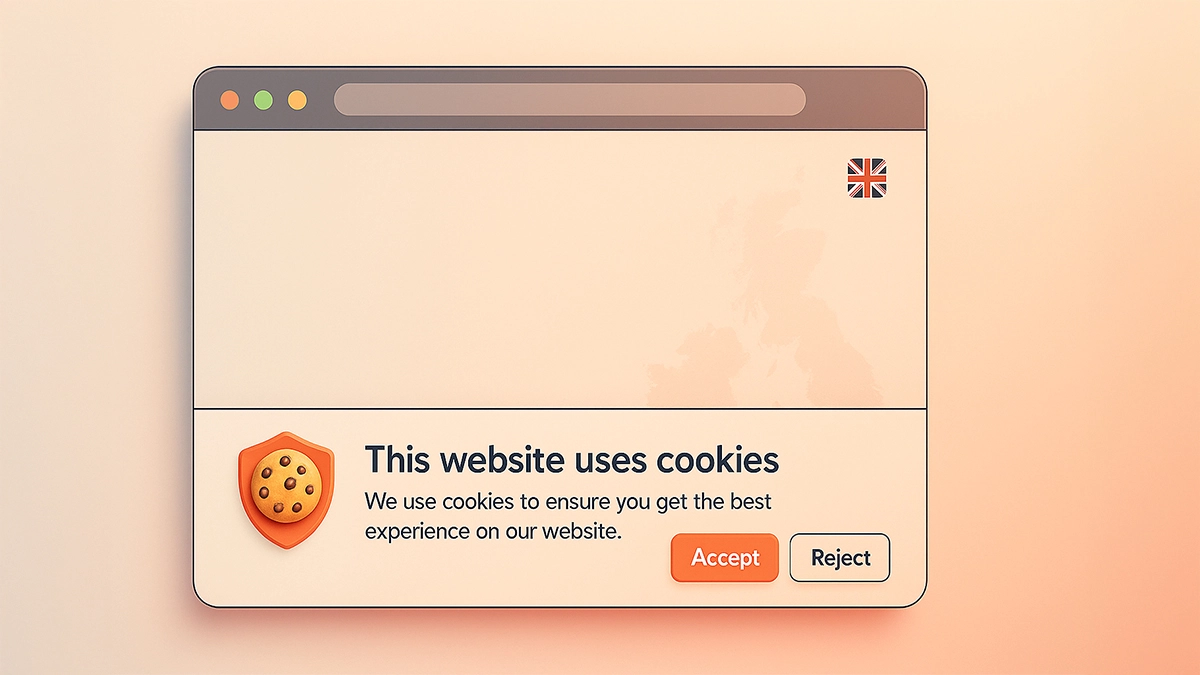
If you run a small business in the UK, chances are you’ve heard about cookies – not the tasty kind, but the tiny data files that websites use to remember users, track analytics, and support essential features.
And because of UK GDPR and PECR, you’re legally required to tell visitors what cookies your site uses and give them the ability to control their preferences.
That’s where cookie pop-ups (also known as cookie banners or consent tools) come in.
But with dozens of WordPress plugins promising “easy GDPR compliance”, how do you actually choose the right one? More importantly, which ones are reliable, regularly updated, and simple enough for small business owners who don’t have hours to spend on technical setup?
In this guide, we break down the best WordPress cookie pop-up plugins, explain what each one offers, and help you choose the right solution for your website.
- Why UK Small Businesses Need a Cookie Pop-Up
- What to Look for in a WordPress Cookie Pop-Up Plugin
- Comparison Table: Best WordPress Cookie Pop-Up Plugins
- 1. CookieYes
- 2. Complianz – GDPR/CCPA Cookie Consent
- 3. Cookie Notice by Hu-manity.co
- 4. WP Legal Pages
- 5. Borlabs Cookie
- Which Cookie Pop-Up Plugin Should You Choose?
- How to Set Up a Cookie Pop-Up on WordPress (Step-by-Step)
- Final Thoughts
Why UK Small Businesses Need a Cookie Pop-Up
Before we dive into the best WordPress cookie pop-up plugins, it’s worth quickly covering why you need a proper banner in the first place.
Under UK GDPR, websites must:
- Tell users what cookies they use
- Allow users to accept or reject non-essential cookies
- Record and store consent
- Give users the option to change or withdraw their consent
If your website uses tools like Google Analytics, Facebook Pixel, YouTube embeds, live chat, or remarketing tech, you must get explicit permission from visitors before loading these cookies.
Many small businesses assume “we’re too small to care”, but unfortunately, that isn’t how compliance works.
Is anyone likely to check?
Probably not on day one. Realistically, small websites don’t get randomly audited, and enforcement typically targets big platforms.
However…
- You are still legally responsible.
- Complaints can trigger investigations.
- Most modern marketing tools rely on proper consent data.
- It’s an easy way to build trust with your audience.
And with plugins making this simple and affordable, there’s really no reason not to install one.
What to Look for in a WordPress Cookie Pop-Up Plugin
Before we compare the best WordPress cookie pop-up plugins, here are the key features UK small businesses should look for:
- Automatic Cookie Scanning:
A good plugin should detect the cookies your website uses so you don’t have to hunt for them manually. - Consent Log:
You may need to prove that a user gave consent, especially if you use analytics or ads. - Customisable Design:
Your cookie banner shouldn’t look out of place. Modern plugins allow you to change colours, layout, and branding. - Geo-targeting:
Not essential, but useful if you only want to show the banner to UK/EU visitors. - Multilingual Support:
Handy for businesses serving customers outside the UK. - Easy Installation (No Code Required):
Most small business owners want something they can set up in minutes, not hours. - Compatibility with Popular Tools:
Such as:- Google Analytics
- Google Tag Manager
- Facebook Pixel
- YouTube/Vimeo
- Live chat plugins
- WooCommerce
Now let’s get into the top solutions.
Comparison Table: Best WordPress Cookie Pop-Up Plugins
| Plugin | Ease of Use | Auto Cookie Scan | Auto Block Cookies | Customisation | Best For |
|---|---|---|---|---|---|
| CookieYes | Very easy | Yes | Yes | Good | Most UK small businesses |
| Complianz | Moderate | Yes | Yes | Good | Businesses with more complex legal needs |
| Cookie Notice | Very easy | No | No | Basic | Simple websites with basic cookie notices |
| WP Legal Pages | Easy | Yes | Yes | Good | WordPress websites that want cookie consent and legal page support |
| Borlabs Cookie | Moderate | Yes | Yes | Advanced | Larger or more technical websites |
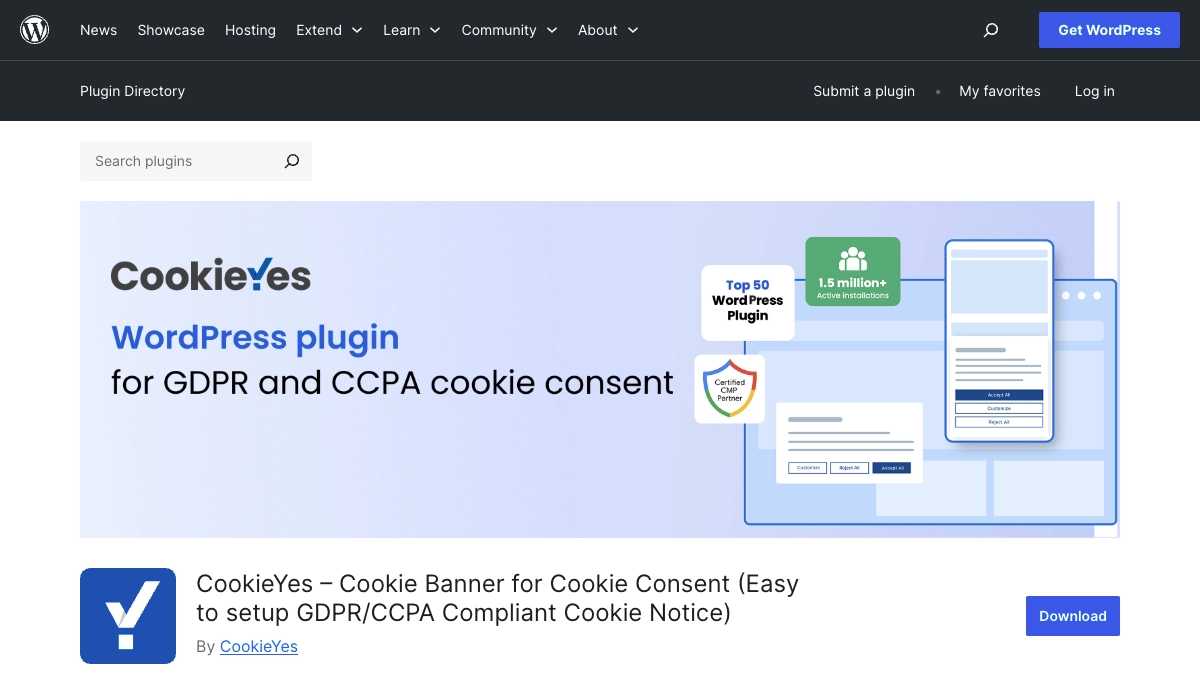
1. CookieYes
Best For:
Small businesses that want a reliable, professional-looking cookie banner without spending hours configuring settings.
CookieYes is the plugin we use at 404 Marketing for our own site and client projects. It offers the perfect mix of compliance, ease of use, and customisation. For UK small businesses, it ticks every box and is regularly updated to meet evolving regulations.
Key Features
- Automatic cookie scanner to detect cookies used on your site
- Fully customisable cookie banner
- GDPR, PECR, CCPA, and ePrivacy compliance
- Consent log
- Cookie auto-blocking
- Integrates with Google Tag Manager
- Works with WordPress, WooCommerce, and most page builders
Why We Recommend It
CookieYes does a brilliant job of balancing simplicity and power. You can get a basic banner running within minutes, but you also get deeper tools like consent logs and script blocking when you need them.
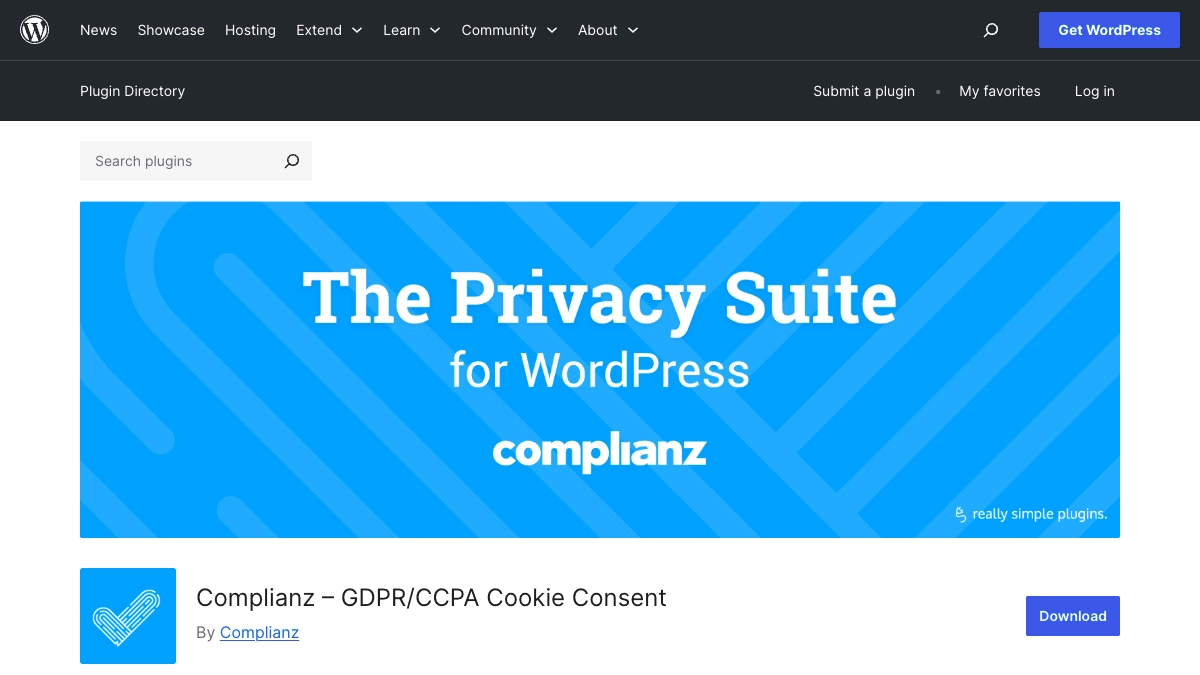
2. Complianz – GDPR/CCPA Cookie Consent
Best For:
Businesses needing a robust legal framework or managing compliance across multiple regions.
Complianz is another excellent cookie compliance tool and slightly more feature-heavy than CookieYes. It includes privacy policy generators, legal templates, and region-based cookie management.
Key Features
- Automatic cookie scanning
- Legal document generator (privacy policy, cookie policy)
- GEO-targeted cookie banners
- A/B testing for banner styles
- Supports multiple regions (EU, UK, US, etc.)
Why You Might Choose It
If your website handles more complex data, sells internationally, or has multiple legal requirements, Complianz gives you more tools out of the box.
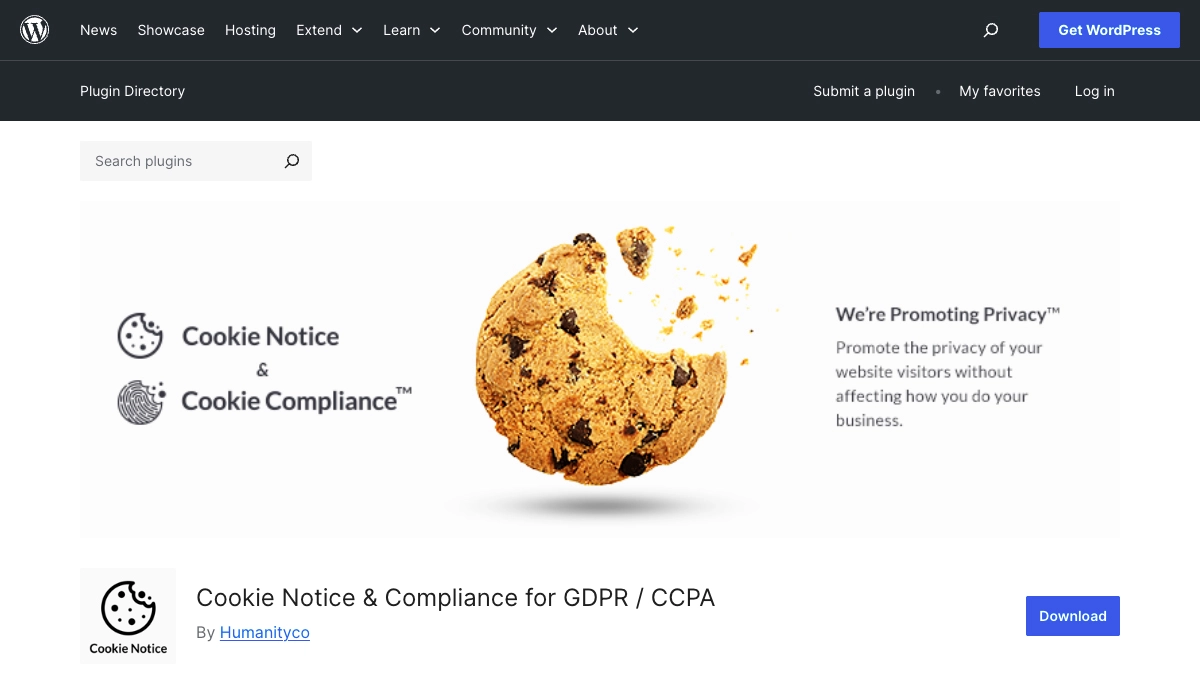
3. Cookie Notice by Hu-manity.co
Best For:
Brochure websites or small blogs.
This is a simple, popular, no-frills cookie consent plugin. While it doesn’t offer the large feature set of CookieYes or Complianz, it’s ideal for very small websites with basic needs.
Key Features
- Customisable cookie message
- Simple accept/reject buttons
- Link to your cookie policy
- Lightweight and fast
Why You Might Choose It
If you’re looking for something quick and extremely easy to install, and you don’t need cookie scanning or auto-blocking, this could work.
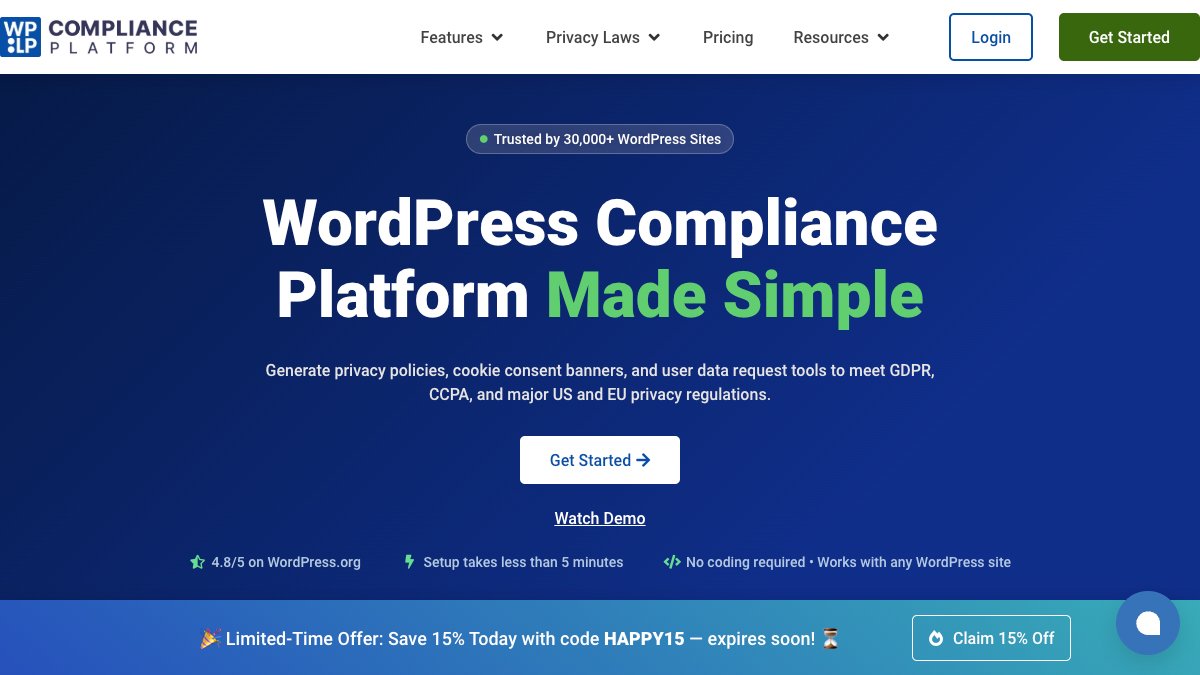
4. WP Legal Pages
Best For:
Best for WordPress websites that want cookie consent and legal page support.
The added benefit is that WP Legal Pages also helps with legal documents, such as privacy policies and cookie policies. This makes it a good choice for small businesses that want their cookie banner and website policies to work together.
Key Features
- Customisable cookie consent banner
- Cookie scanning
- Script blocking before consent
- Consent records
- Cookie categories for analytics, marketing and functional cookies
- Legal page support
Why You Might Choose It
WP Legal Pages is a good fit if you want a WordPress-focused tool that covers both cookie consent and basic legal page support.
5. Borlabs Cookie
Best For:
Medium to large businesses, agencies, and websites with complex tracking setups.
Borlabs Cookie is a premium-only plugin and one of the most powerful cookie management tools available for WordPress. It’s widely used on larger websites and offers deeper control over how scripts load.
Key Features
- Script blocking
- Cookie groups and granular consent
- Highly customisable layouts
- Integrates with many marketing tools
- Consent history
Why You Might Choose It
This is ideal for websites heavily dependent on analytics, remarketing, and external scripts, or those with skilled technical users.
Which Cookie Pop-Up Plugin Should You Choose?
For most UK small businesses, the answer is simple:
Choose CookieYes.
It offers everything you need:
- Easy to set up
- Meets UK GDPR and PECR requirements
- Blocks cookies until consent is given
- Automatically scans your website
- Looks professional and modern
It’s also the plugin we trust at 404 Marketing, both for our own website and for client projects.
How to Set Up a Cookie Pop-Up on WordPress (Step-by-Step)
Here’s a quick guide for small business owners who want a simple setup using CookieYes.
1. Install CookieYes
Go to:
WordPress Dashboard → Plugins → Add New → Search “CookieYes”
Click Install, then Activate.
2. Run the Setup Wizard
CookieYes will walk you through:
- Choosing a banner layout
- Adding your brand colours
- Selecting consent types (opt-in is required for UK GDPR)
- Linking your cookie policy
3. Scan Your Website
Use the built-in scanner to identify all cookies.
4. Enable Auto-Blocking
This ensures analytics and marketing cookies don’t load until the user accepts them.
5. Publish Your Banner
You’re now compliant, and your users will see a clear, professional cookie pop-up.
Final Thoughts
Choosing the right cookie banner isn’t just about compliance; it’s about creating trust. For small businesses and start-ups, transparency matters more than ever. A clear, polished cookie pop-up shows visitors that you take their privacy seriously, and it helps you stay aligned with UK GDPR and PECR with minimal effort.
With so many tools available, it can feel overwhelming. But in reality, most businesses only need a simple, reliable solution. That’s why CookieYes stands out as the best overall choice, offering the perfect balance of ease, functionality, and compliance for UK small businesses.
If you’d like help installing a cookie banner, reviewing compliance, or redesigning your website to improve user trust, feel free to get in touch – we’re always happy to help.