If you’ve just started building your website or you’re ready to refresh your current design, choosing the right WordPress theme can feel overwhelming. There are thousands of options, all promising flexibility, performance, and good design.
But not all themes are created equal, especially if you’re trying to keep costs low while still building a professional website that loads fast, looks great, and is easy to manage.
In this guide, we’ve rounded up the Top 5 Best Free WordPress Themes, based on real-world experience building websites for UK small businesses and startups. Each theme is clean, fast and ideal for getting your site online without spending a penny.
Let’s dive in.
Why Choosing the Right Theme Matters
Your theme does more than control how your website looks. It affects:
- Your loading speed
- Your rankings on Google
- Your user experience
- Your ability to customise your site without breaking anything
- How compatible your site is with modern plugins, page builders, and blocks
A good free theme should feel lightweight, flexible, and stable. It should also be updated regularly, respected in the WordPress community, and not force you into a restrictive layout.
With that in mind, here are the top 5 best free WordPress themes for 2025.
1. Astra – The Best Free WordPress Theme for Most Websites
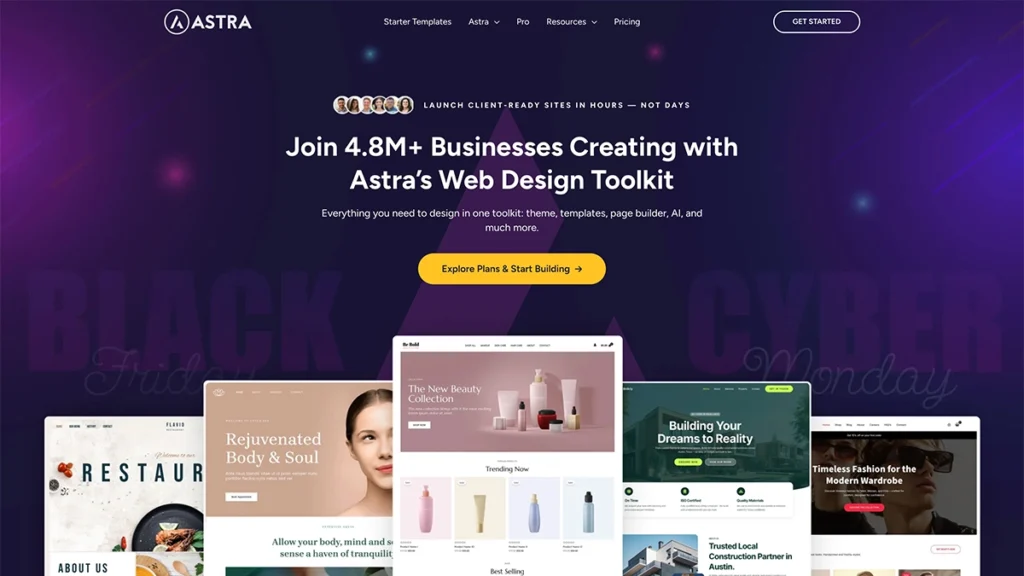
Astra is the king of free WordPress themes, and for good reason. It’s lightweight, fast, fully compatible with Gutenberg and major page builders, and offers more customisation options than most paid themes.
At 404, Astra is our default starting point for the child themes we build. It strikes the perfect balance between performance and flexibility, and it doesn’t lock you into a bloated design system.
Why Astra Is the Number One Best Free WordPress Theme
- Lightning-fast performance: Astra is one of the fastest themes on the market.
- No jQuery: reduces render-blocking issues.
- Deep Gutenberg integration: ideal if you’re breaking free from page builders.
- Highly customisable: without touching code.
- Works perfectly with WooCommerce: making it ideal for online shops.
Who Astra Is Ideal For
- Service businesses
- Startups
- E-commerce shops
- Blogs
- Local businesses
- Portfolio sites
Basically everyone. Astra is versatile enough to handle almost any type of website.
Downsides
- Because it’s very popular and flexible, you may find yourself spending time deciding between lots of options — if you just want something ultra-simple without choices, that can be a slight barrier.
What this means for you: If you’re building a relatively straightforward site and you’re comfortable working within the free version, Astra is excellent. But if you’ll want lots of bespoke header/footer layouts, mega menus or advanced custom hooks later, you may find yourself bumping into the free version’s limits and needing the Pro upgrade.
Astra Pro: What the Upgrade Gives You
Although this post focuses on free themes, Astra Pro deserves a mention because it adds serious firepower without breaking the bank.
With Astra Pro, you get:
- Advanced header and footer builder
- Mega menu support
- More typography and colour options
- Advanced blog layouts
- Sticky headers
- Custom layouts and hooks
- White-label options
- Better WooCommerce controls (product grid options, off-canvas filters, etc.)
For agencies, freelancers, or anyone planning a long-term content-driven website, upgrading to Astra Pro is often worth it.
Looking for a custom theme for your website?
Check out our web design services
2. GeneratePress (Free)
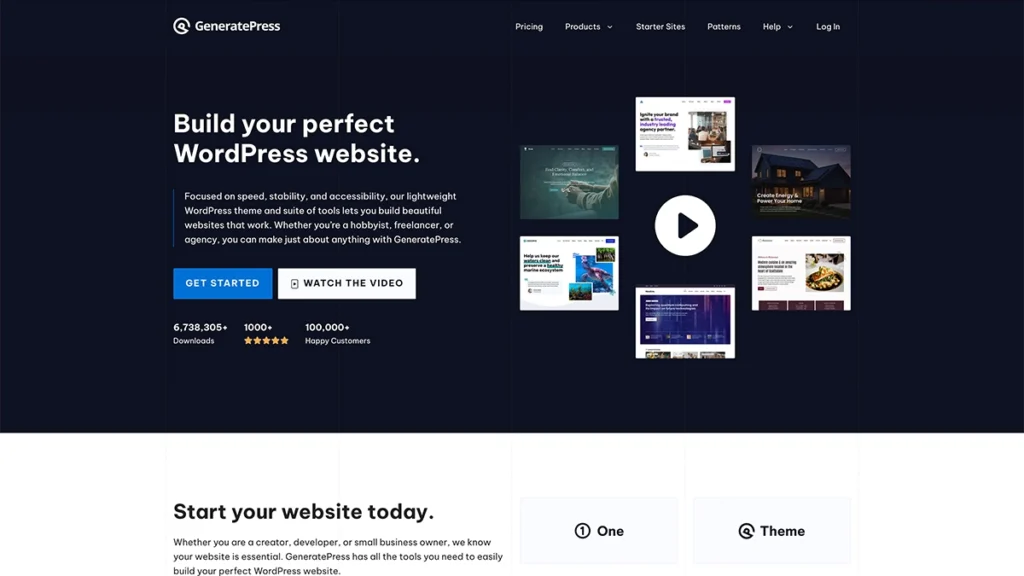
GeneratePress is another fan favourite and one of Astra’s closest competitors. It’s lightweight, stable and designed with performance in mind. If you want a theme that prioritises clean code and speed, this is an excellent choice.
Key Features
- Built for performance with its extremely small file size
- Reliable and stable codebase
- Works smoothly with Gutenberg
- Great for developers and technical users
- Fully accessible (WCAG compliant)
Why It’s Great
GeneratePress is ideal for websites that need a solid, future-proof foundation. It doesn’t offer as many design extras in the free version as Astra, but what it does offer is quality and reliability.
Who It’s Ideal For
- Bloggers
- Developers
- Long-term business sites
- Technical users who want fine-grained control
Downsides
- The free version is quite basic in features compared with the premium version. One review states that the “free version alone is not enough to create a well-designed WordPress site” in some cases.
- The learning curve may be a little steeper for purely non-technical users, especially when trying to customise deep layouts or using the native block editor without a page builder.
- Some users have commented that if you want to make non-standard layouts, you might still need to call in a developer (which adds cost/time).
What this means for you: If you value performance and clean code over lots of bells and whistles, GeneratePress is a great choice. But if you want a “plug-in and go” design with many pre-built templates and minimal fuss, you’ll want to check that the free version gives you enough for your specific design.
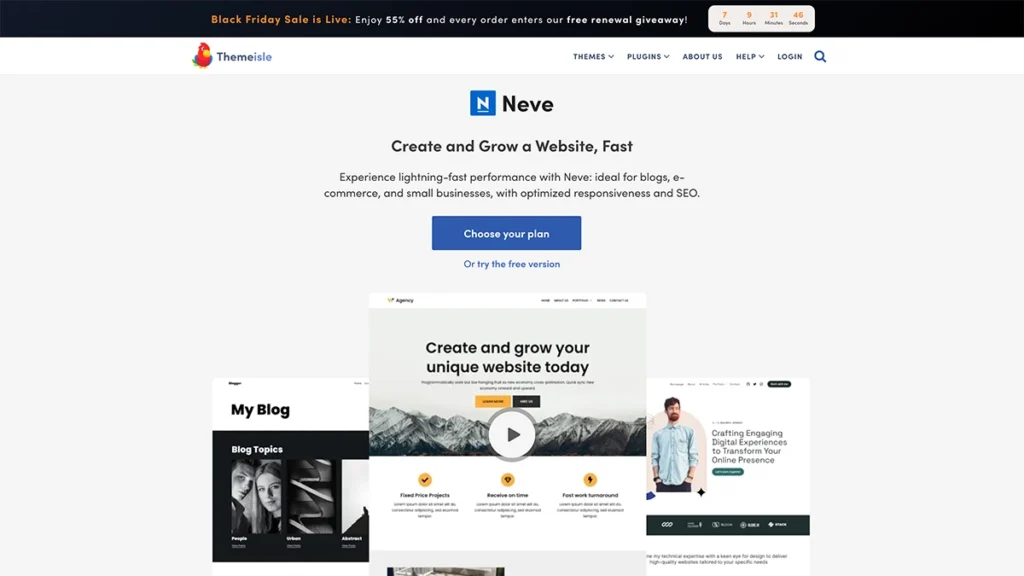
3. Neve
🔗 https://themeisle.com/themes/neve/
Neve is a great option for small business owners who want a professional-looking website with minimal setup. It’s fast, modern, and comes with a large collection of starter templates.
Key Features
- Lightweight and speedy
- Mobile-first design
- Works well with Elementor, Gutenberg, and Bricks
- Free starter templates
- Smooth WooCommerce integration
Why It’s Great
Neve focuses on simplicity. You don’t need to be technical to build something polished, making it perfect for beginners.
Who It’s Ideal For
- Local businesses
- Restaurants
- Freelancers
- Agencies
- Online shops needing a clean look
Downsides
- While Neve is well-regarded, free themes in this category tend to have fewer advanced design features unless you upgrade.
- Some starter sites or templates may be locked behind paid addons.
- Because it is built for flexibility, there’s still a bit of work required for complete custom branding – ideal for beginners, but you’ll still need to learn the customiser.
What this means for you: For small businesses wanting a clean, modern look and willing to do a bit of setup, Neve is fine. But if you expect every “fancy” layout or design block free, you may find yourself wanting more.
4. OceanWP (Free)
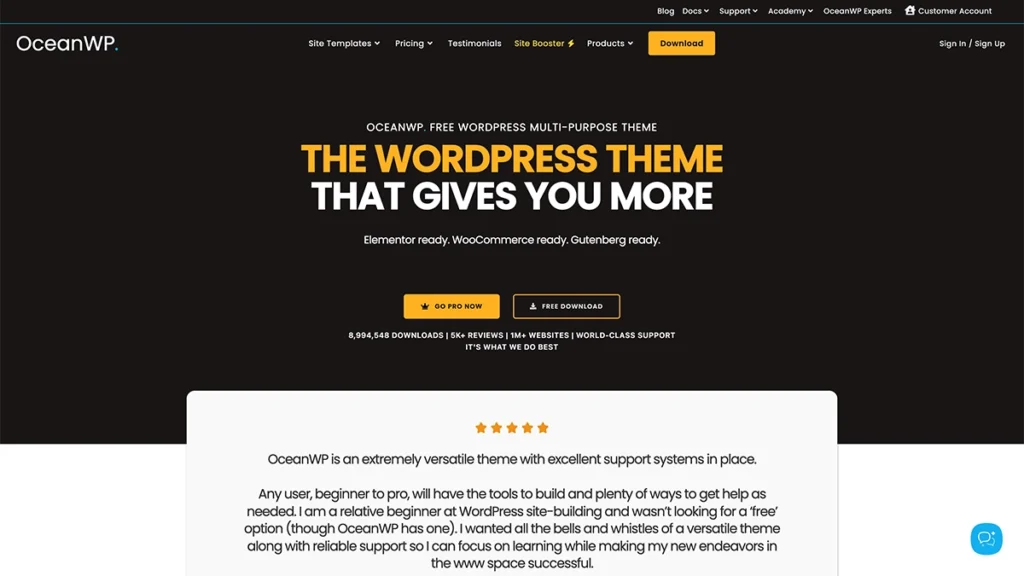
OceanWP has long been a top pick among WordPress users, especially those using page builders like Elementor. The free version is packed with customisation options, making it one of the most flexible free themes available.
Key Features
- Loads of layout options
- Fast and lightweight
- Excellent WooCommerce controls
- Fully responsive
- Optimised for page builders
Why It’s Great
OceanWP is powerful. Even the free version gives you advanced controls over headers, layouts, and blog styling. Features many themes lock behind a paywall.
Who It’s Ideal For
- Agencies
- Designers
- E-commerce shops
- Users who want more customisation without paying
Downsides
- The free version includes a lot of options, but some of the more advanced layout controls, custom hooks and modules require paid “extensions” or addons.
- Because it offers many features, there is a risk of feature bloat if you enable lots of modules, which can slow the site if you’re not careful.
- Some users report that the UI (customiser settings) can feel a little overwhelming if you’re a newcomer.
What this means for you: If you like to tinker and build more advanced layouts (or e-commerce sites), OceanWP gives you tools. If you want minimal setup and only the basics, you might find the interface a bit dense.
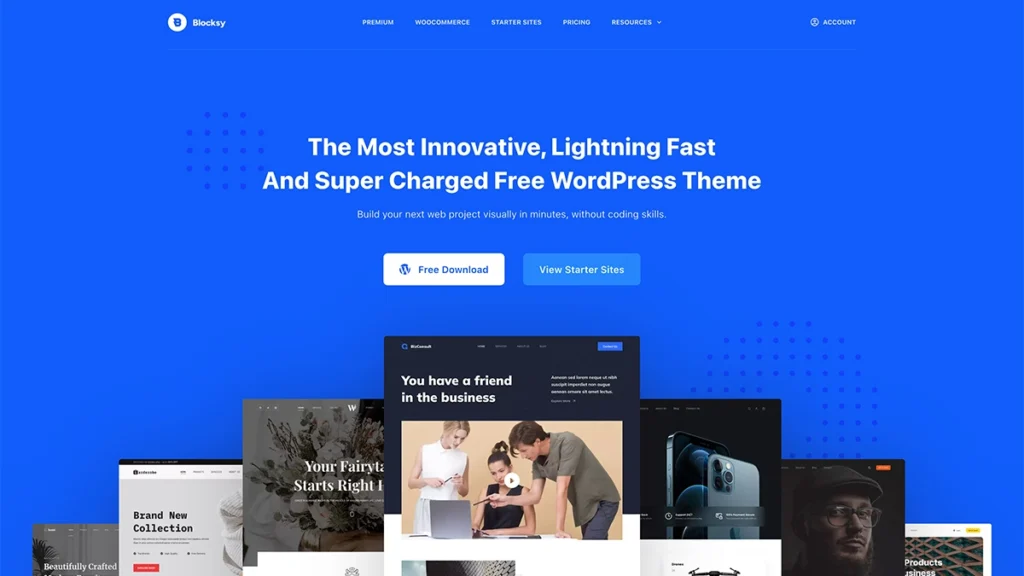
5. Blocksy
🔗 https://creativethemes.com/blocksy/
Blocksy is modern, fast, and built specifically for the block editor (Gutenberg). If you’re building with Gutenberg or Spectra, Blocksy feels like it was made for the future of WordPress.
Key Features
- Superb Gutenberg compatibility
- Clean, modern UI
- Fast performance
- Advanced header builder
- Global colour palette
- WooCommerce enhancements
Why It’s Great
Blocksy blends flexibility with modern design. It’s one of the easiest themes to customise for people who aren’t technical.
Who It’s Ideal For
- Creatives
- Modern small businesses
- Content creators
- Anyone moving fully to Gutenberg
Downsides
- Some features (mega menus, advanced custom layouts, hooks) are reserved for the Pro version.
- For more complex header/footer or device-specific layouts, the customiser may not feel as intuitive.
- Some limited compatibility issues with certain plugins or custom code have been mentioned.
What this means for you: If you’re embracing the block-editor and want a modern, fast theme, Blocksy fits nicely. However, if you expect a massive template library or need lots of premium features without upgrade, you’ll need to check whether the free version meets your expectations.
Honourable Mentions
These didn’t make the top 5 but are still excellent options:
1. Kadence
🔗 https://www.kadencewp.com/
A powerful block-based theme with great typography and header tools.
2. Hestia
🔗 https://themeisle.com/themes/hestia/
A stylish one-page theme ideal for startups and small service businesses.
3. Sydney
🔗 https://athemes.com/theme/sydney/
Great for professional business websites with strong hero sections.
4. Zakra
🔗 https://zakratheme.com/
Lightweight, flexible, and perfect for multipurpose websites.
5. Storefront (by WooCommerce)
🔗 https://woocommerce.com/storefront/
The official WooCommerce theme — perfect if your main goal is e-commerce.
Why You Should Use a Child Theme
Whether you choose Astra or any other theme on this list, one thing remains important: Always use a child theme.
A child theme is a separate theme that inherits everything from your main (parent) theme but allows you to make custom changes safely.
Why Small Businesses Should Always Use One
- 1. Your customisations won’t break:
- If you modify your parent theme directly, the next theme update will overwrite your changes. A child theme protects your custom CSS, PHP tweaks, and template edits.
- 2. Safer, more stable, and easier to maintain:
- You can update your parent theme without worrying that your site will fall apart.
- 3. Agency-friendly workflow:
- At 404, creating child themes ensures a consistent setup across all client sites – faster builds, safer code, and predictable behaviour.
- 4. Perfect for brand styling:
- A child theme lets you add custom fonts, colours, spacing rules, and templates unique to your brand.
- 5. Gives you full control over your site:
- If you ever need bespoke styling or functionality, a child theme is the correct place to put it.
Final Thoughts
Choosing the best free WordPress theme doesn’t have to be complicated. If you want the best combination of speed, features, stability, and future-proofing, Astra is the clear winner, and it’s the theme we trust for most of our client builds.
However, themes like GeneratePress, Neve, OceanWP and Blocksy all offer strong alternatives depending on your needs and level of experience.
If you’d like help choosing a theme, setting up a child theme, or building a custom site for your small business, we’d be happy to help.